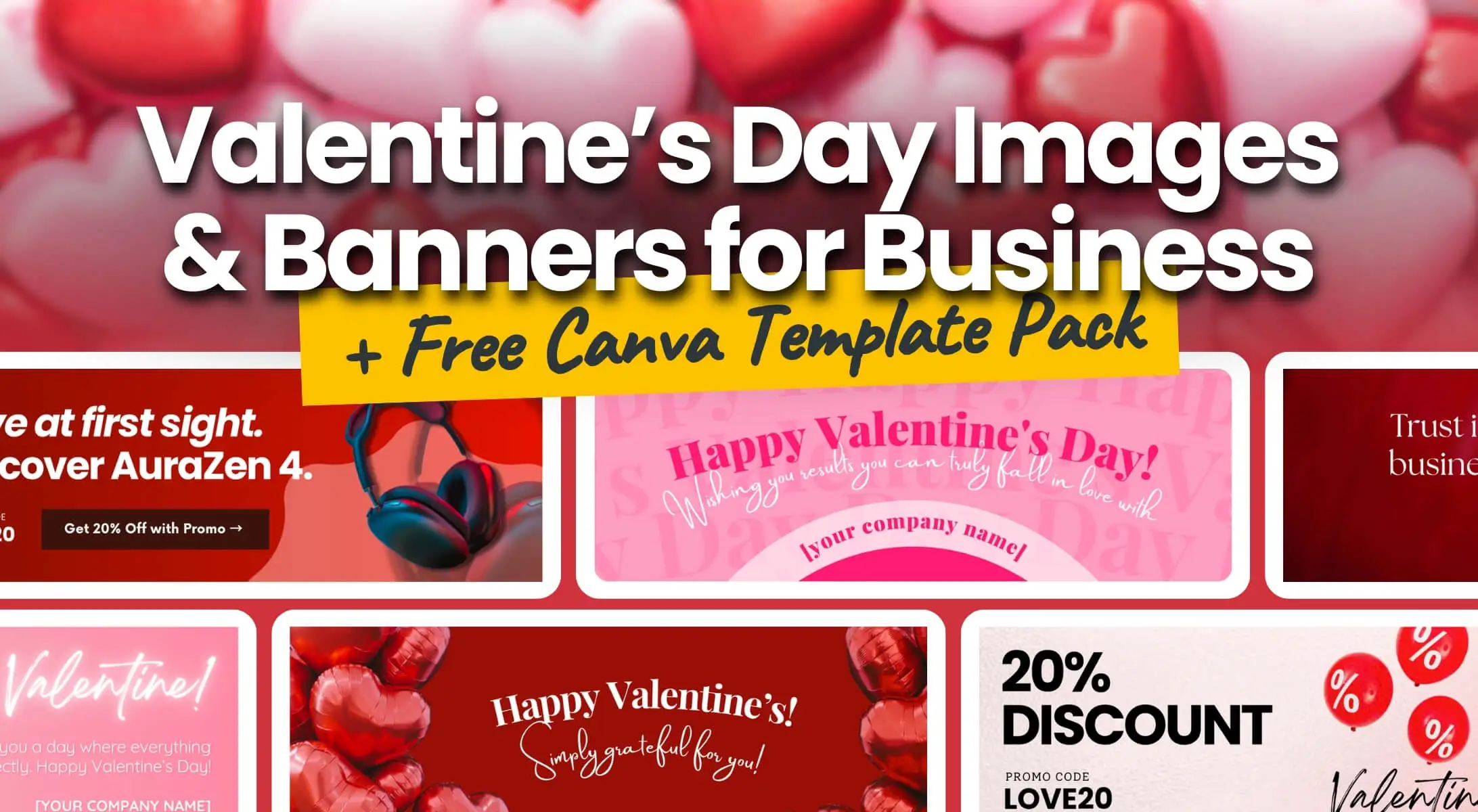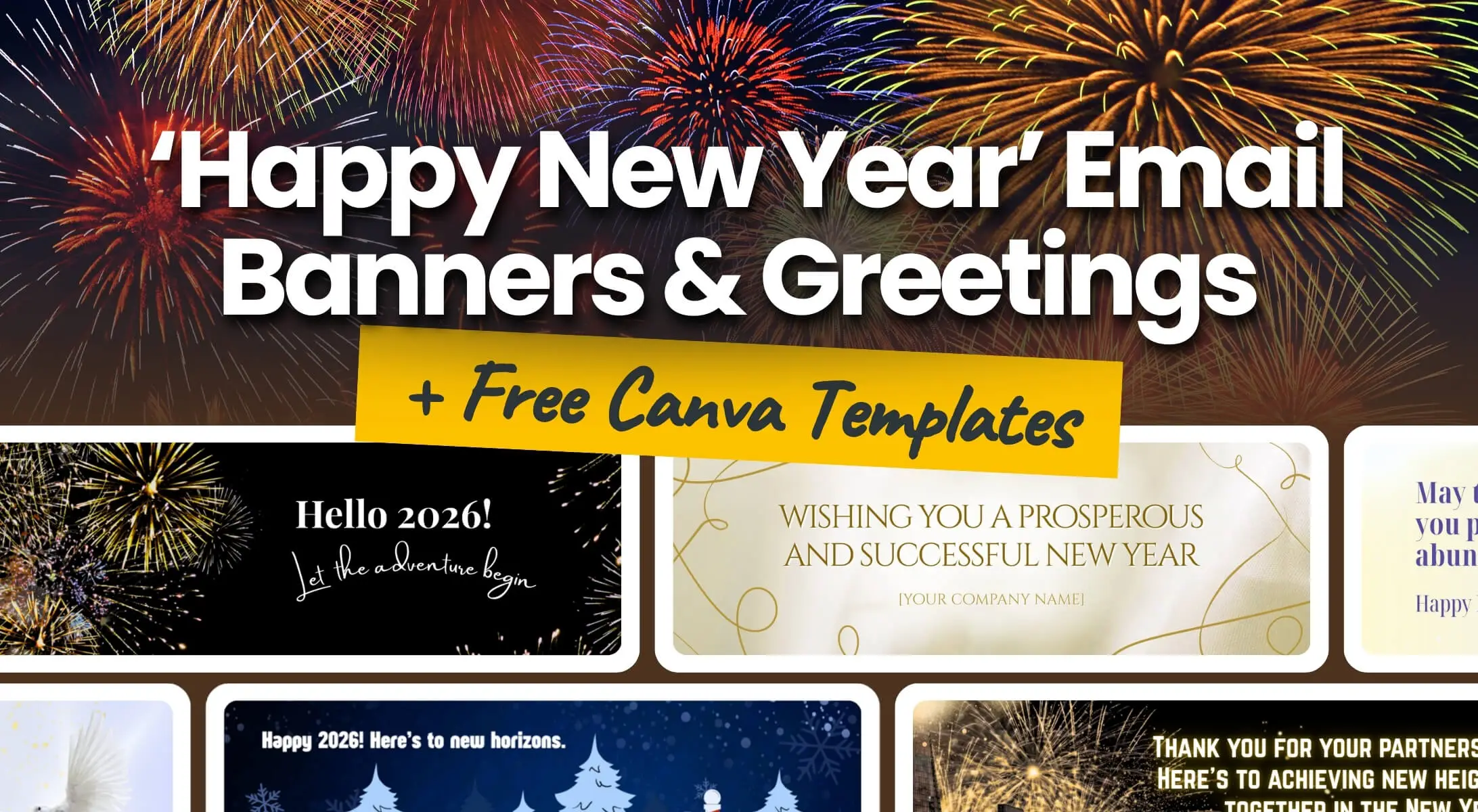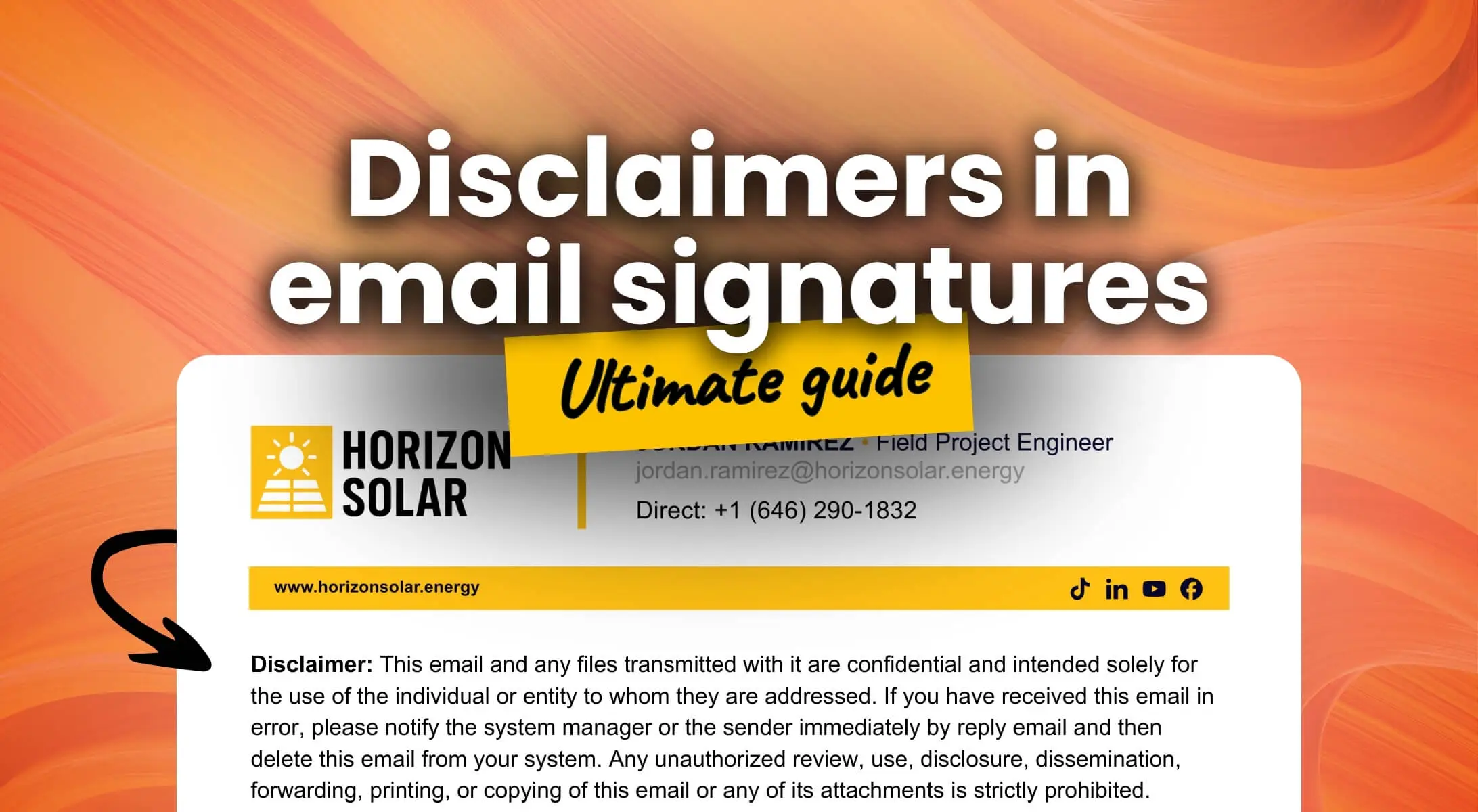


Enhance your professional communication with our guide to Christmas email banners and images. Download free holiday Canva templates and learn how to effectively add festive banners to your emails.
Why & Where to Place Holiday Visuals (e.g., Christmas Email Banners) in Emails?
Christmas in email communication is great, but it must be done smartly. We’ve all seen the cluttered inboxes full of heavy attachments and festive images pasted directly into the email body, disrupting the message. There is a better way.
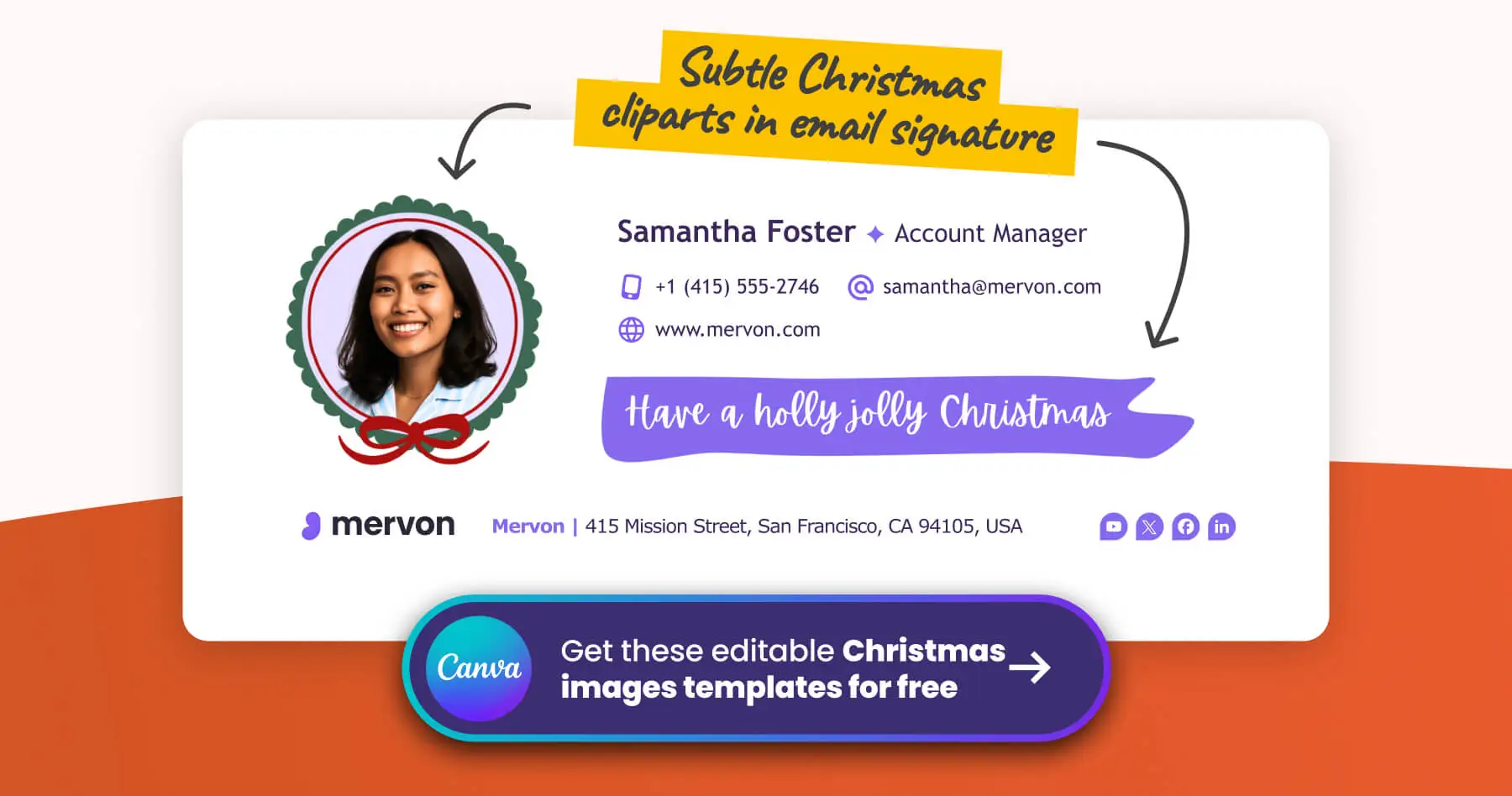
The best place for Christmas images for emails is the signature block. It can be a prominent banner placed neatly under your contact details, or just a subtle detail – like a Santa hat on a profile photo, a snowflake icon near the logo, or a thin decorative line. Even a small gesture counts if you don’t want a full banner.
Why is the signature the perfect spot?
- Automation: It’s there automatically with every email you send. You don’t have to think about it.
- Professionalism: It doesn’t disrupt the reading flow of your actual message.
- Consistency: All employees present a unified, professional holiday look, but only if you use a central email signature management tool.
- Deliverability: It is far better than sending ‘Christmas Cards’ as bulky attachments that often trigger spam filters.
In this guide, we will show you how to define your banner’s goal and align every holiday image with your brand identity. Stick around – we have also prepared free holiday templates for you. Download our collection of Christmas images and Christmas banners for Canva to help you get started immediately.
Step 1: Define the Goal of Your Christmas Email Banner
First, clarify what you want to achieve. The banner doesn’t have to be just about ‘nice Christmas’ vibes; it can also serve specific marketing purposes. Let’s take a look at the specific goals.
❄️ Festive Cheer (Decoration Only)
Goal: Purely aesthetic. You simply want to set the atmosphere (‘festive vibe’) without pushing a specific message.
Visual: Often just small images or icons, like a snowflake by your logo, a hat on a profile photo, or a decorative line. It doesn’t serve to sell or inform; it just ‘humanizes’ the email. If you are looking for Christmas clipart for your email signature, keep it simple and subtle. Even a tasteful piece can brighten the recipient’s day without distraction.
🤝 Relationship Building
Goal: A classic greeting on a banner to strengthen connections.
Visual: To ensure your message is inclusive for international clients, we recommend including a ‘Season’s Greetings’ banner in your email signature. For local markets, feel free to use standard Merry Christmas banners. Using a personalized festive email signature shows you care about the relationship, not just the business.
📈 Driving Revenue
Goal: Treating the signature as advertising space.
Visual: Use a Christmas email banner for discounts, special offers, or last-minute gifts. It must look like a button (CTA) to drive traffic effectively. A well-placed Christmas banner in your email signature can significantly boost your holiday sales numbers.
ℹ️ Utility (Info & Availability)
Goal: The most practical use case – informing contacts about holiday opening hours or support availability.
Visual: An ‘Availability Alert’ or a ‘holiday hours’ banner. This reassures clients of critical services that support works 24/7, even during Christmas.
🎁 Giving Back (Gift / Charity)
Goal: Building positive PR and showing heart.
Visual: Instead of a discount, offer value for free (like an e-book or template) or inform recipients that this year the company contributed to charity instead of sending physical gifts.
🎉 Event Invitation
Goal: Driving attendance to a seasonal event.
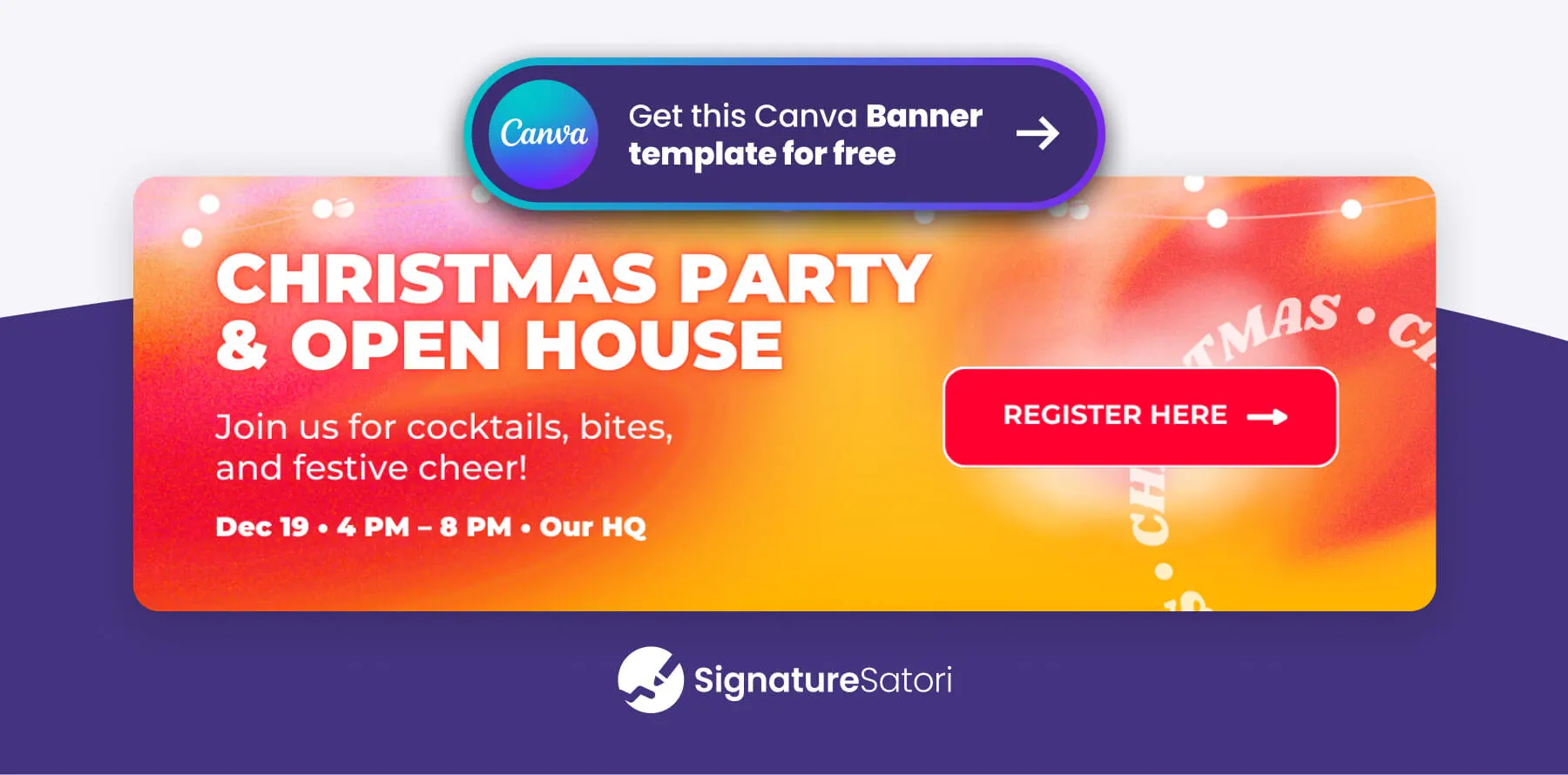
Visual: An invitation to a Christmas party for clients or a New Year’s webinar. A dedicated Christmas party email banner ensures your event doesn’t go unnoticed in the holiday rush.
👥 Meet the Team (Humanization)
Goal: Showing the people behind the product to build trust.
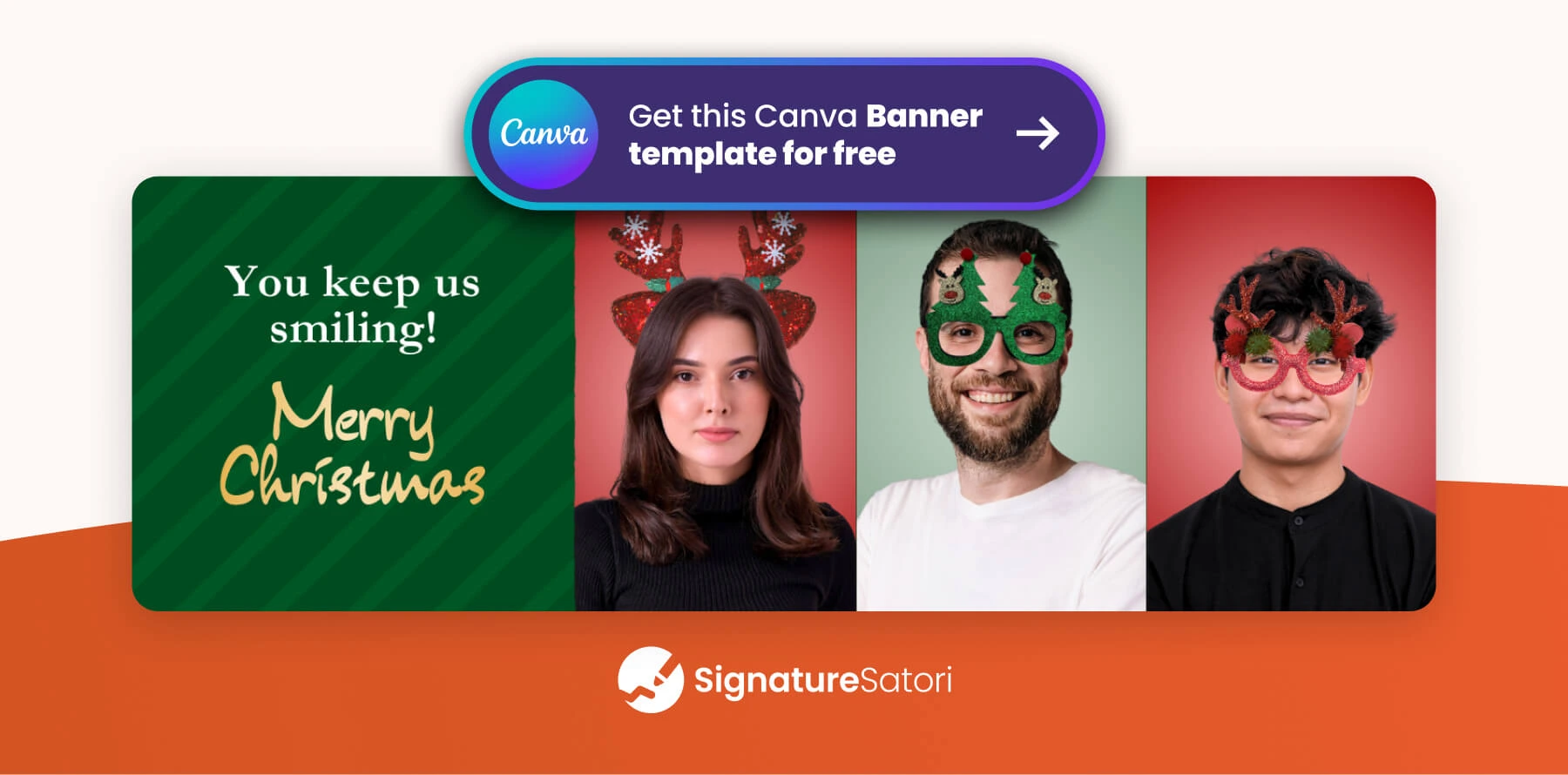
Visual: A collage of team photos from a party or a joint card. It builds a human relationship. Funny Christmas email cards featuring your team can break the ice. If they are witty enough to share, they might even go viral among your clients.
🫶 Thank You to Our Partners (Pure Gratitude)
Goal: Building loyalty without any ‘sales’ undertone.
Visual: A simple, dignified message thanking them for their partnership in the past year. ‘We couldn’t have done it without you.’
Step 2: Choose the Right Visual Style for Your Holiday Signature
Now that you know the goal, select a look that fits your brand. While we list general styles below to guide you, make sure to apply your company’s specific visual style and tone of voice. The holiday season is no excuse to break consistency – your banner or clipart must still look like you.
💼 Corporate & Minimalist Style
For whom: Legal, finance, and enterprise.
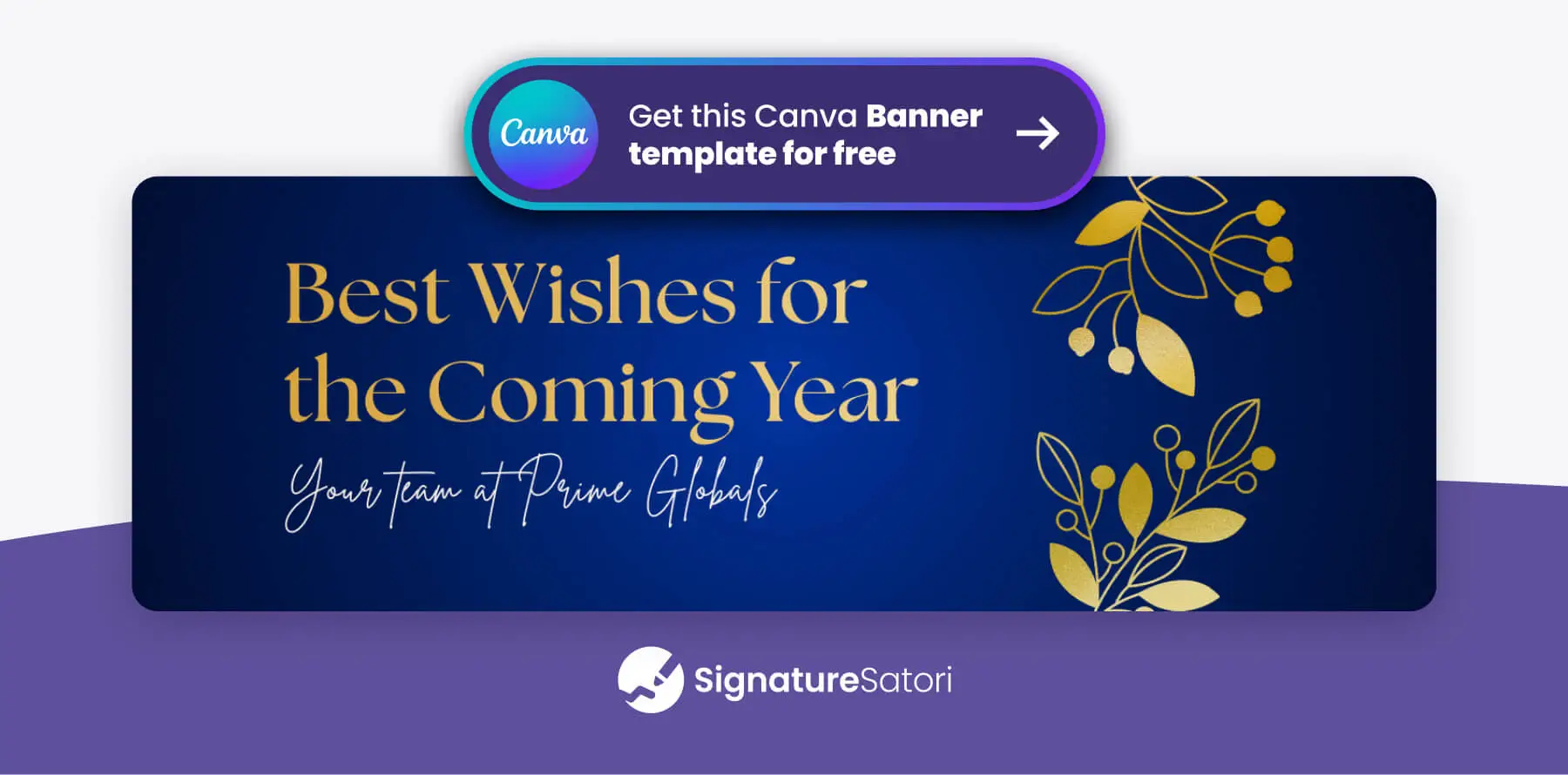
Visual: Subtle, perhaps gold or dark blue. Just a snowflake by the logo or a thin line. No elves. An elegant Christmas email banner communicates professionalism and festivity without compromising dignity.
🎨 Creative & Human Style
For whom: Startups, agencies, and lifestyle brands.
Visual: Playful, illustrations, photos of the team in hats, bold colors.
For more inspiration, read our next article: Professional ‘Happy New Year’ Email Guide: Greetings & Free Signature Banner Templates
🎄 Local & Traditional Style
For whom: Family businesses, craftsmen, and local services.
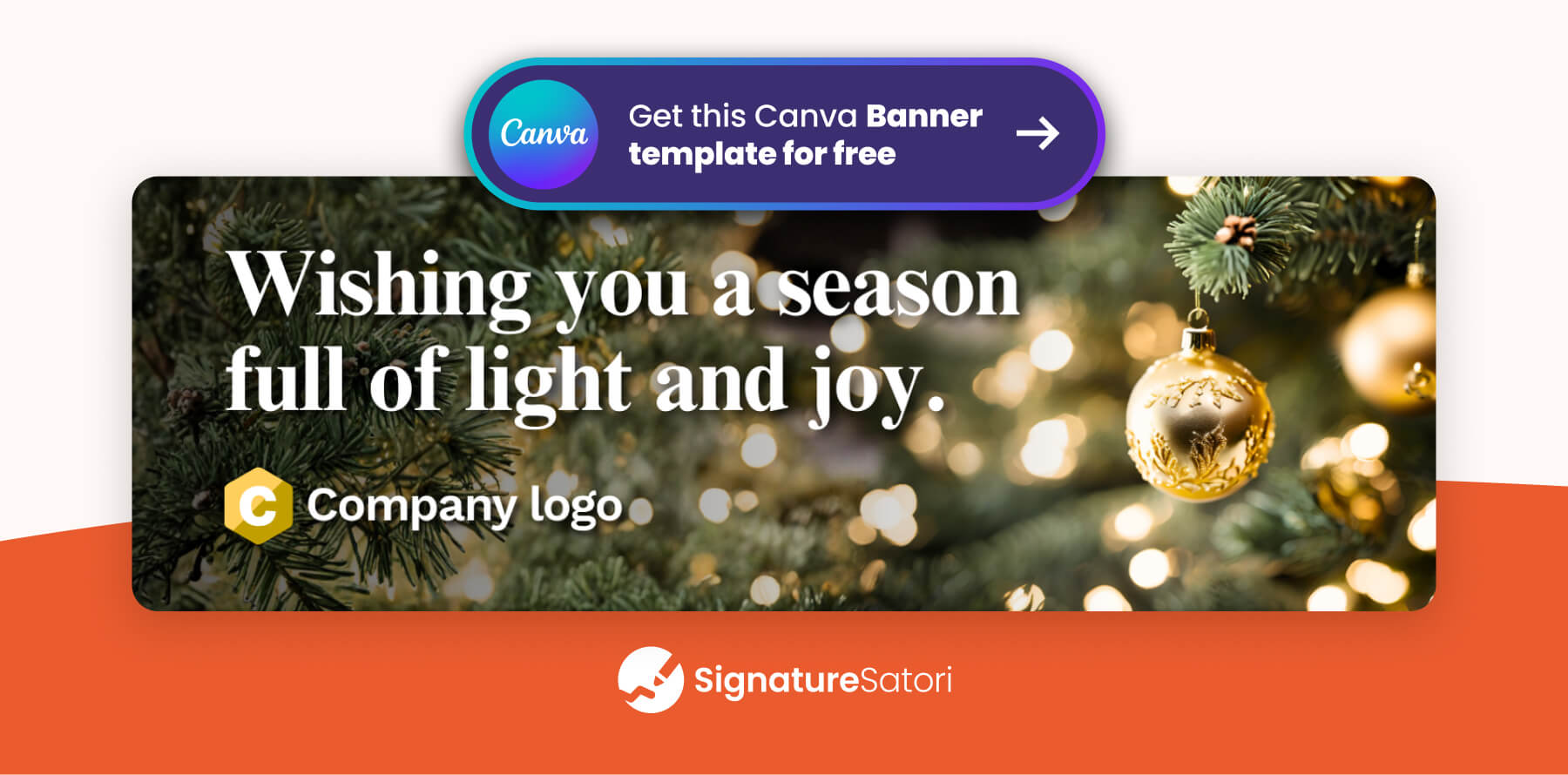
Visual: Classic red and green, pine needles, gold bells. Feels homey and traditional. A classic Christmas tree image in your signature fits perfectly here. Elements like Christmas lights in your banner can evoke a sense of warmth and reliability.
🤖 Tech & Neon Style (Cyber/Modern)
For whom: IT companies, gaming studios, and crypto startups.
Visual: Dark mode, neon signs ‘Merry Christmas’, glitch effects, pixel art. No gold, but rather turquoise and purple.
⛪ Religious / Christian Style
For whom: Faith-based non-profits, charities, churches, and educational institutions.
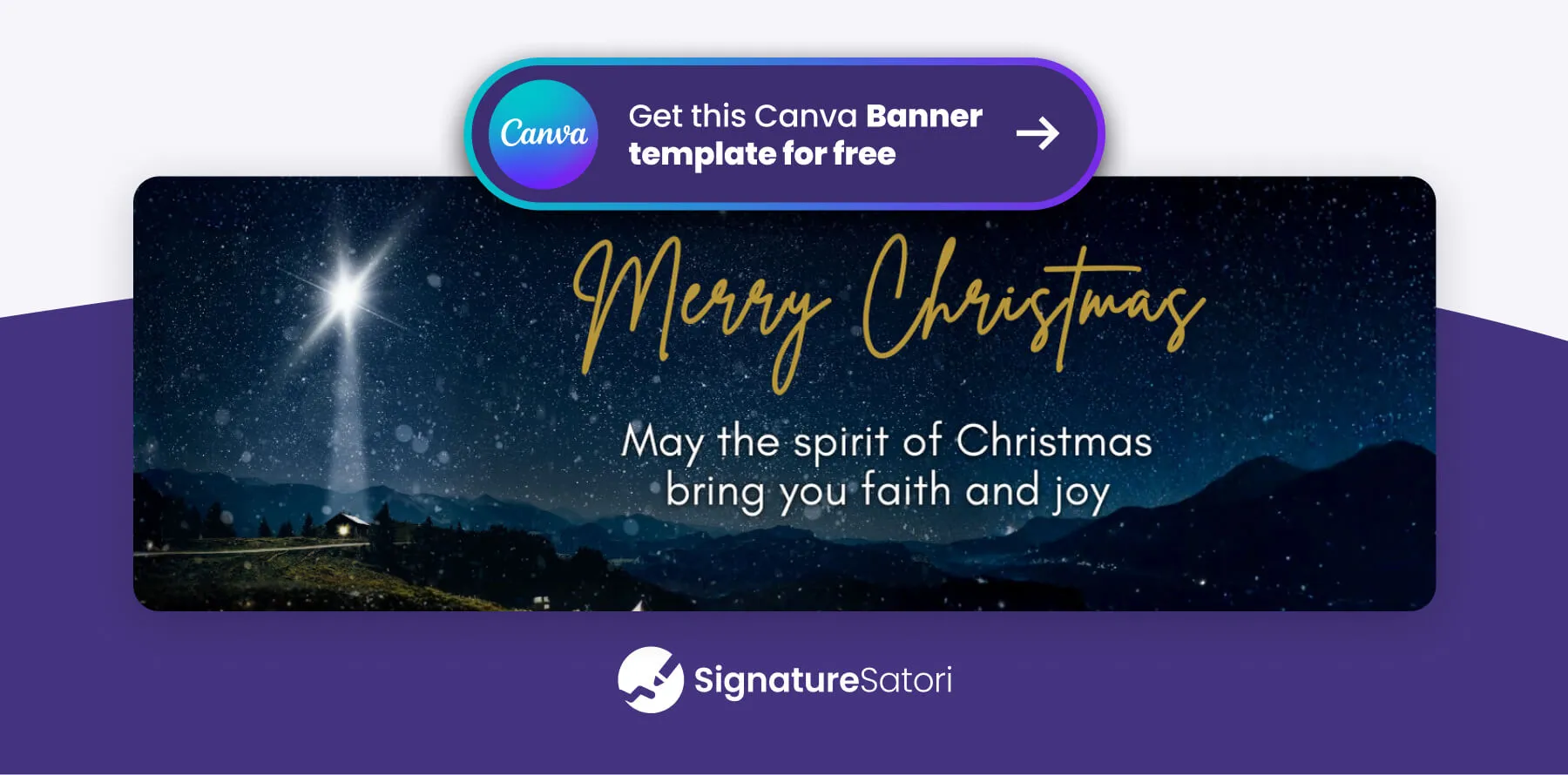
Visual: A dignified, traditional, and calm Christmas wish. Avoid loud commercial colors – instead, use deep blues, gold, warm white, or rich burgundy. The goal is to evoke a sense of peace and significance, not just celebration.
Need inspiration for the text? See our top Religious Christmas Wishes for Business.
💎 Luxury & Glamour Style
For whom: Real estate agents, luxury hotels, and jewelry stores.
Visual: Black and gold, silver, serif font, lots of ‘white space’. Looks like a gala invitation.
🔠 Typographic & Bold Style
For whom: Marketing agencies, copywriters, and media.
Visual: No tree images. Just a giant inscription (e.g., ‘2026’ or ‘Happy New Year’) across the entire width of the banner. Play with font and background color. A typographic banner wishing Merry Christmas and Happy New Year makes a strong statement and stands out visually.

Step 3: Select the Best File Format for Email Images
Here we address the technical file format (JPG, PNG, GIF), regardless of whether it is a large banner or a small icon.
Static Images (JPG/PNG) – Safe Bet 🖼️
This is the safest choice. It displays correctly in every email client (Outlook, Gmail, Apple Mail).
- JPG: Ideal for photos (e.g., team in hats).
- PNG: Necessary for transparent background and graphics (logos, icons). Whether you need Christmas pictures for your email signature or just a festive icon, static images ensure compatibility.
Animated GIFs – To Grab Attention 🎬
Movement (falling snow, blinking) increases engagement. An animated Christmas banner or image in your email signature is sure to catch the eye.
- Note: File size must be small (ideally under 600 kB).
- Outlook Warning: Some versions of Outlook won’t play the animation and show only the first frame – so make sure the first frame carries the main message. When using an animated GIF in your signature, ensure the first frame is meaningful. Whether it’s a ‘Merry Christmas’, an animated Christmas tree, or a broad Christmas email banner, test it to ensure it displays well for everyone.
How to Add Images and Banners to Email Signatures
A) The Manual ‘Old School’ Way
This method relies on distributing a new signature template or banner image to all employees, asking them to update it themselves. You have to hope that everyone downloads the correct file, navigates to their email settings, uploads the image, and places it correctly within the layout.
The pitfall: It creates inconsistency and chaos. Formatting often breaks when non-technical users try to edit their signatures. Worst of all, without central control, you will likely see Christmas banners lingering well into February simply because people forget to switch them back.
B) Centrally via Tool (SignatureSatori)
A far more professional approach is to use a central signature management tool that features a Marketing Planner. This allows you to set up the campaign once and deploy it across the entire organization without bothering your employees.
Targeting: You can ensure relevance by assigning specific banners to different teams. For example, your Sales team can display a special holiday discount, while your Support team displays updated holiday opening hours.
Automation: You can schedule the campaign to run strictly from specific dates (e.g., December 1st to January 2nd). Once the period ends, the tool automatically reverts everyone to the standard signature. This ensures your brand remains sharp and current without any manual cleanup.
Conclusion
Your signature is a sign of trust. Use the holidays to strengthen relationships with the right professional touch. SignatureSatori puts this power in your hands – replace chaotic manual updates with a dignified, centrally managed strategy. Download the free templates above to get started and make your mark this Christmas with confidence.
Frequently Asked Questions
Is it okay to use informal short forms like ‘Xmas’?
It depends heavily on your brand voice. A creative agency or a youth-oriented brand might effectively use a catchy ‘xmas email banner.’ However, for corporate, legal, or financial sectors, we recommend sticking to the full ‘Christmas’ or ‘Holiday’ spelling to maintain a professional tone.
Do I need a graphic designer to create holiday visuals?
Not necessarily. You can save time and resources by using pre-made Christmas email banner templates. These allow you to simply insert your text or logo into a professional layout without starting from scratch.
How can I add a playful element without a full banner?
If a full banner feels too much, a subtle detail works wonders. An animated Christmas tree for an email signature placed next to your logo can serve as a small, cheerful gesture that humanizes your communication without taking up too much space.
Can I use just a text image for my greeting?
Yes, typography can be very elegant. A stylish Merry Christmas image that uses your brand’s font and colors is often more sophisticated than generic holiday stock photos. It keeps the design clean and aligned with your visual identity.
What is the ideal size for a Christmas banner?
To ensure your message remains readable and doesn’t disrupt the flow, we recommend a width of 300-600px and a maximum height of 150px for any banner in your email. Keeping it within these limits prevents the design from overpowering your actual email content.
Which file format should I choose?
It depends on your design. Use JPG for standard photos without transparency. If you need transparent elements (like rounded corners), PNG is the best choice. For any animated Christmas elements, use GIF, but remember that not all email clients play animations smoothly.
Where can I find free Christmas images and free Christmas banners for my email signature?
We’ve got you covered with fully editable templates on Canva. You can access our collection of free Christmas images here, and browse the dedicated pack of free Christmas banners here.
Where exactly should I put the holiday graphic?
The ideal spot for a Christmas banner in an email is right within the signature block (often called the email footer), neatly placed below your contact details and legal disclaimer. This position ensures it acts as a professional footer without interrupting the reading flow of your actual message.