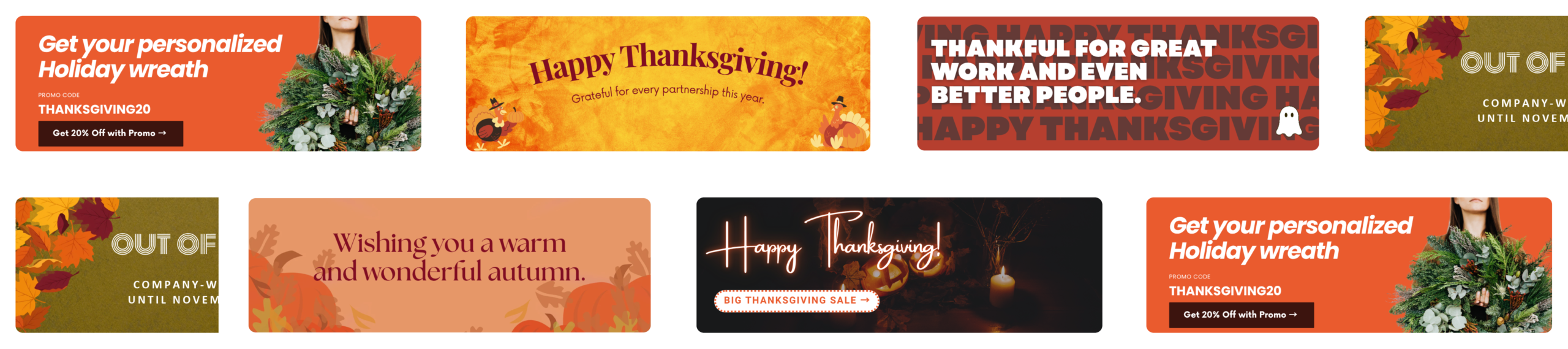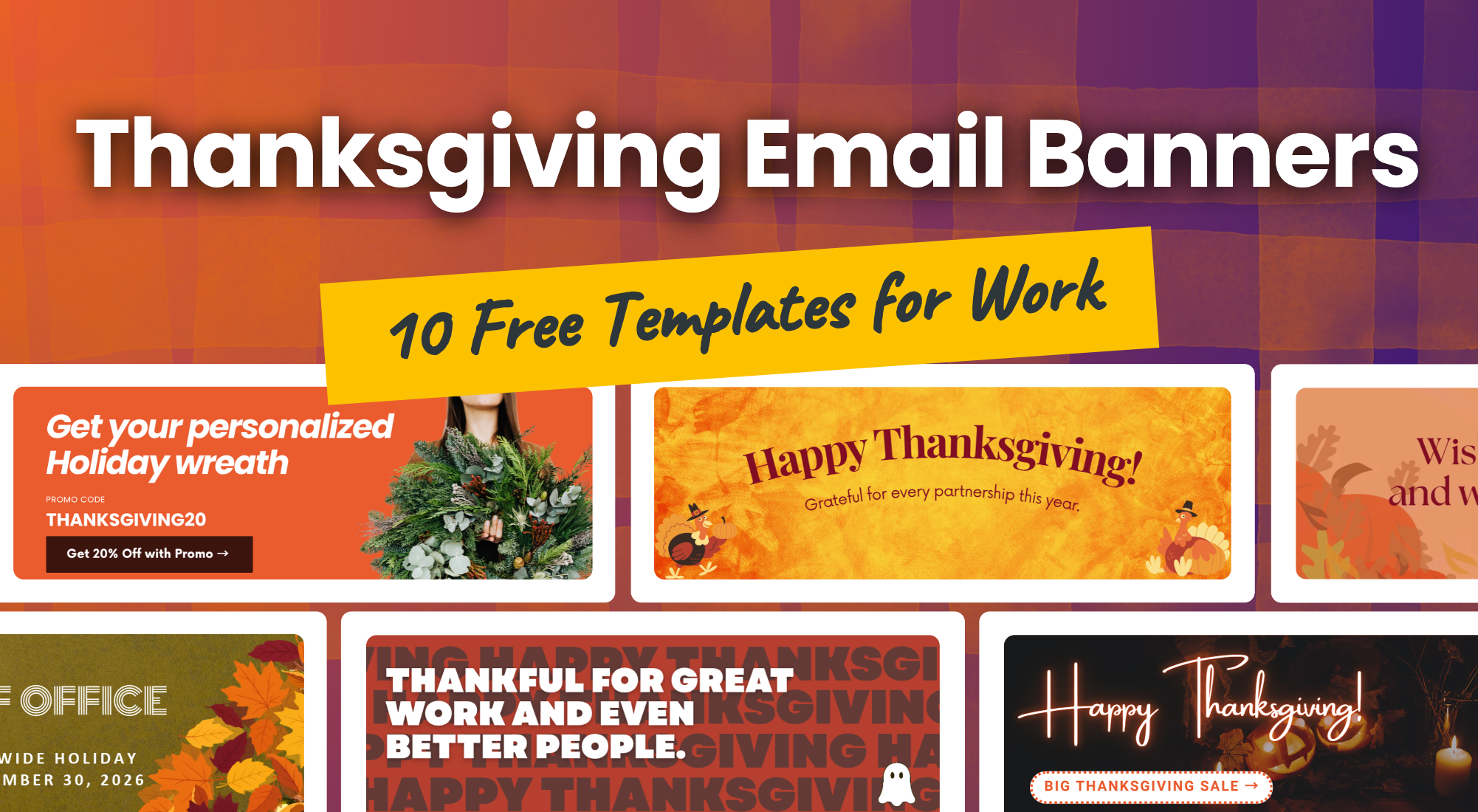
A Thanksgiving email signature is a small seasonal touch that clients and colleagues see in every email you send in November. Instead of writing holiday wishes into each message, you add one friendly line or a festive banner below your name, and it does the work for you until the holiday is over. Below you’ll find 10 free Thanksgiving email signature banners you can edit in Canva, simple steps for adding one in Gmail, and tips to keep it looking professional.
What Is a Thanksgiving Email Signature?
A Thanksgiving email signature is your regular email signature with a small seasonal addition. It usually comes in one of two forms:
- A text line, such as ‘Wishing you a happy Thanksgiving!’, placed under your name or contact details.
- A banner, a small image below your contact details with a festive design and a short message.
Most companies use it for one or two weeks before the holiday and switch back to their standard signature right after the long weekend. In 2026, Thanksgiving falls on Thursday, November 26.
10 Free Thanksgiving Email Signature Templates
Below are four styles from our collection of 10 Thanksgiving email signature templates, and all of them are free to edit in Canva. Change the text, colors, or logo to match your brand, then download the banner as a PNG or JPG.
Happy Thanksgiving Email Signature Banners
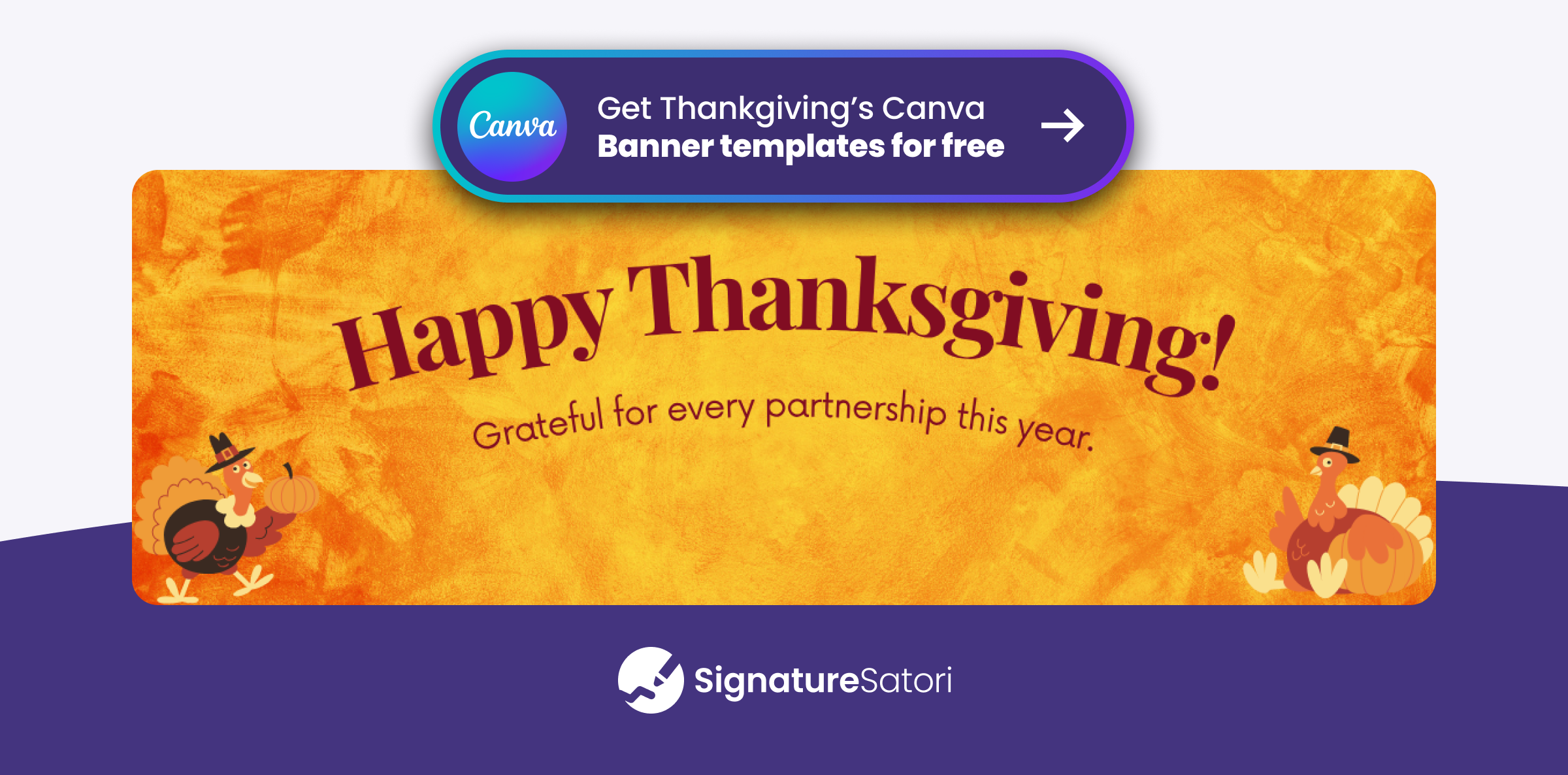
Warm autumn colors and a turkey make these the most traditional choice. A happy Thanksgiving email signature like this suits almost any audience, from long-term clients to suppliers.
Minimal Thanksgiving Email Banners
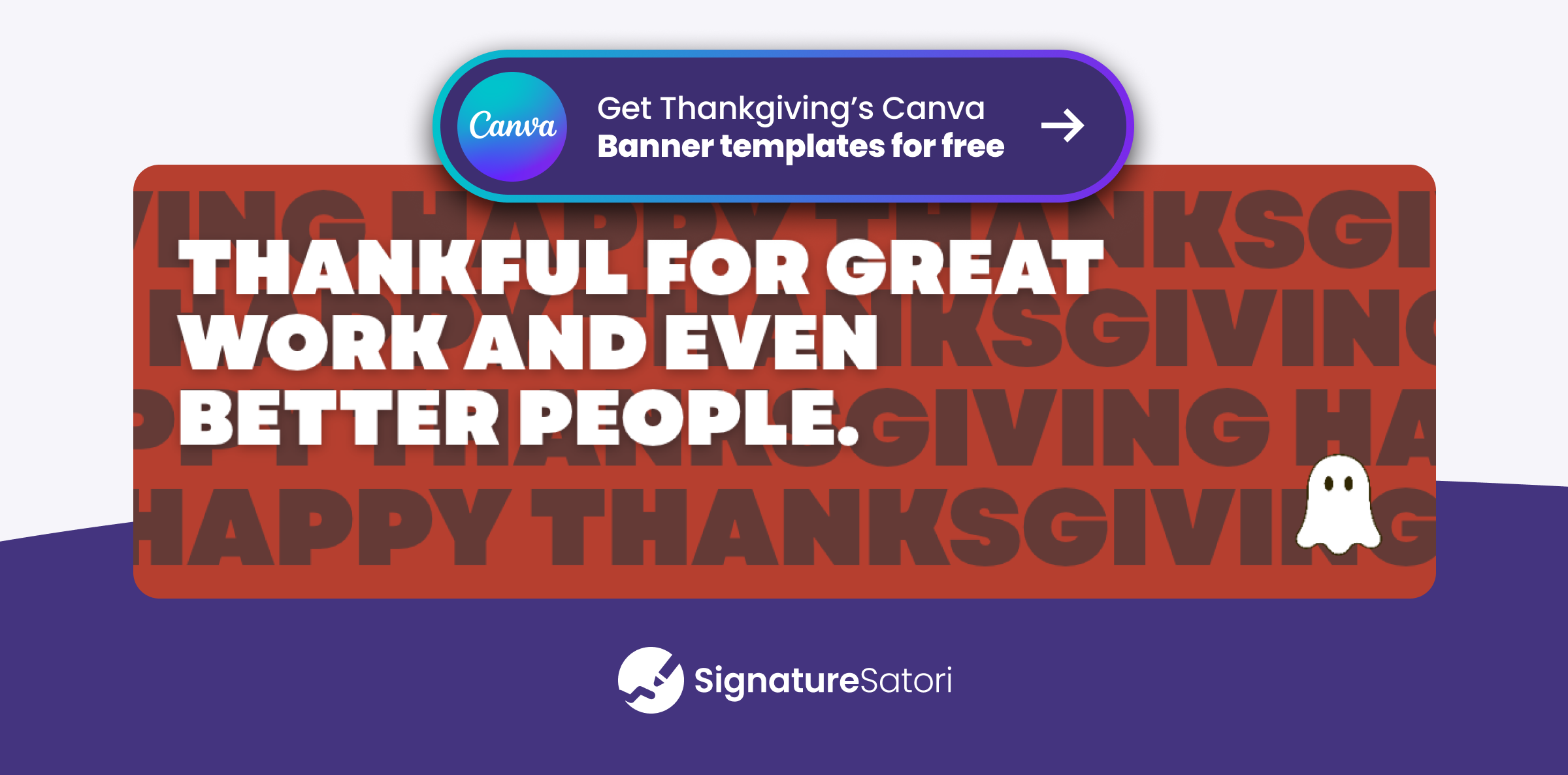
If your brand style is clean and simple, a minimal design fits better than a busy autumn scene. These Thanksgiving email banners use your brand colors and a single icon, so they look tidy even in formal emails.
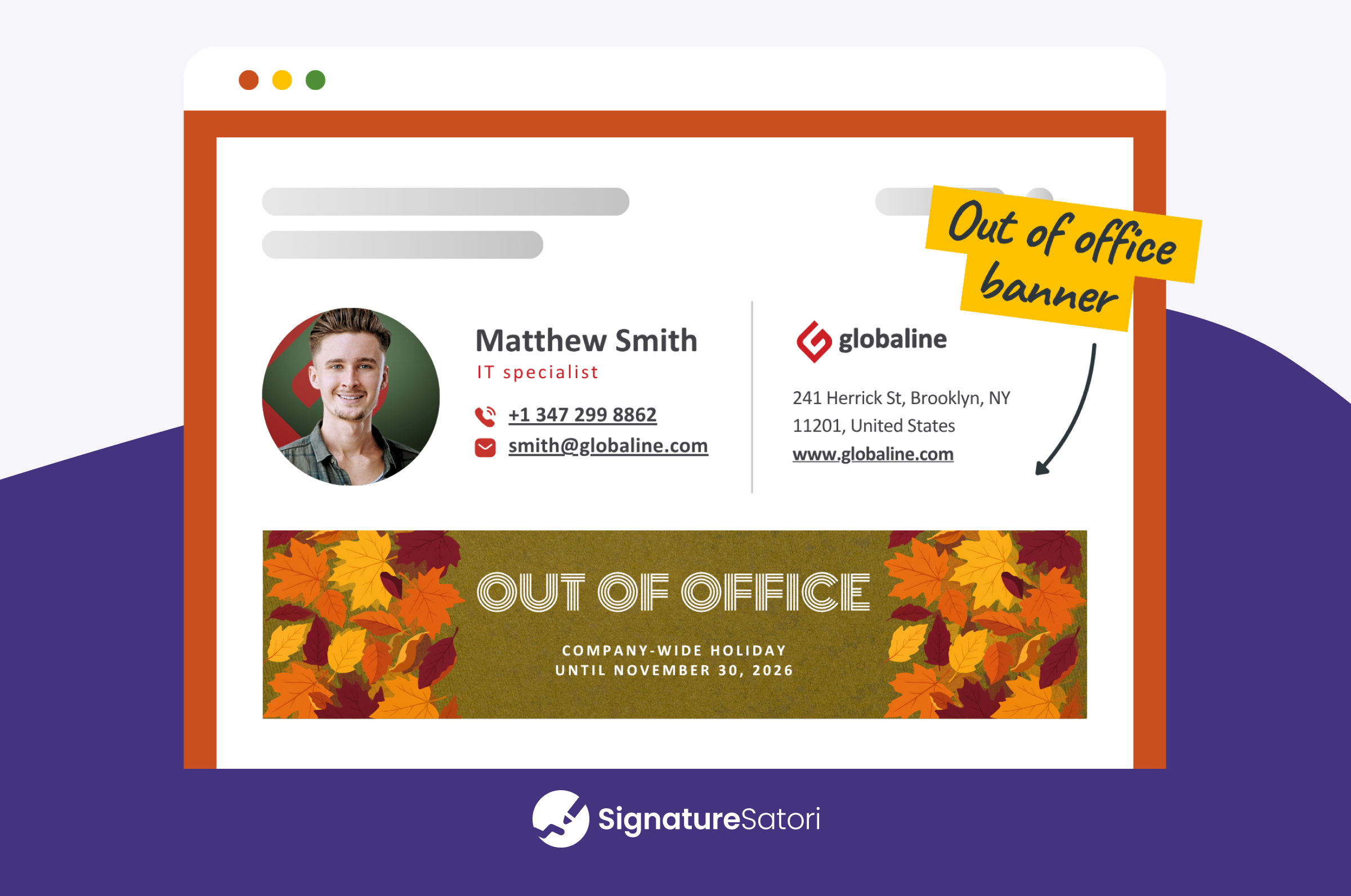
Thanksgiving Out-of-Office Email Signature Banners
Many US businesses take Thanksgiving Day and the Friday after off. A Thanksgiving out-of-office message in your signature banner tells everyone when you’re away before they start waiting for a reply. Change the dates to match your schedule and keep the return day easy to spot.
Fall Email Signature Banners for International Clients
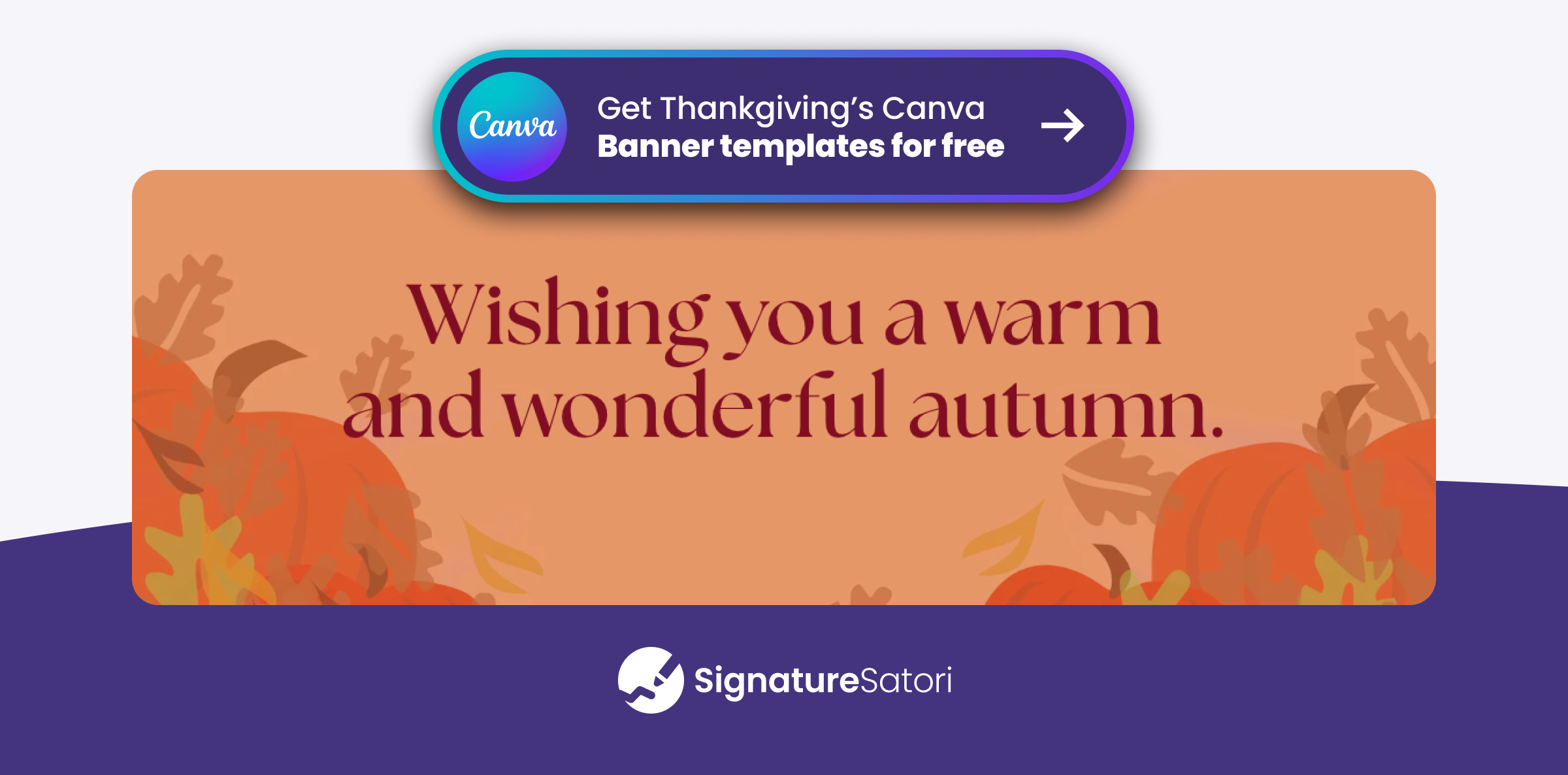
Not every client celebrates Thanksgiving. A fall email signature with a general autumn message is a safe choice for partners outside the US, and you can use it from early October until the end of November.
How to Add a Thanksgiving Banner to Your Gmail Signature
You don’t need any design or technical skills for this. If you use Gmail, follow these steps:
- Download your banner from Canva as a PNG or JPG (a width of roughly 600 px works best for email signatures).
- In Gmail, click the Settings gear icon in the top-right corner and See all settings.
- On the General tab, scroll down to the Signature section and select your signature.
- Place your cursor where you want the banner to appear and click the Insert image icon.
- In the pop-up window, click the Upload tab and drag-and-drop the image file directly from your computer. Gmail will host and serve the image automatically.
- Click directly on the inserted image to adjust its display size (Small, Medium, Large, or Original Size) so it fits naturally.
- (Optional) To make the banner clickable, highlight the image with your cursor, click the Link icon, and enter your destination URL.
- Scroll to the bottom and click Save Changes. Send a test email to verify how it renders on both desktop and mobile.
How to Roll Out a Thanksgiving Email Signature to Your Whole Team
Adding a banner by hand works fine for one person. For a team, it means asking every employee to update their signature on the same day, and then asking again to remove it after the holiday. Some people forget, and a few banners end up stretched or out of date.
With SignatureSatori, a Google Workspace admin can add the Thanksgiving email signature banner to everyone’s signature at once:
- Upload your banner to a new campaign in the Marketing Campaign Planner.
- Choose who should see it, the whole company or selected teams.
- Set the dates, for example from November 16 to November 30.
- Let it run. Every signature switches on the start date, and the standard version comes back automatically when the campaign ends.
SignatureSatori Tip: Prepare your December campaign at the same time. Your Christmas email banner can start right after Thanksgiving ends, so your seasonal signatures follow each other without any manual updates.
Tips for a Professional Thanksgiving Email Signature
A seasonal banner should make your emails friendlier and still be easy to read. Keep these points in mind:
- Keep it small. A good email signature banner size is about 600 px wide and 100–200 px tall. Save it at double size (1200 px wide) so it stays sharp on high-resolution screens, and keep the file under about 100 KB so your emails load quickly.
- Use one short message. Up to ten words is plenty. Your name and contact details are still the most important part of the signature.
- Add dates if you close. If your office closes for the holiday, put the exact days and your return date right into the banner.
- Think about who reads it. For clients outside the US, a fall design without the word ‘Thanksgiving’ is the safer choice.
- Add alt text. Some email apps hide images until the reader allows them. If your signature tool lets you add alt text, a short line such as ‘Happy Thanksgiving from [Company]‘ still gets your message across.
- Test before you roll it out. Send yourself a test email and open it on your phone as well as your computer.
- Remove it on time. A Thanksgiving email signature that is still there in mid-December looks forgotten. Set a reminder or schedule an end date.
Short Thanksgiving Signature Lines to Pair with Your Banner
A banner works best together with a short line in your signature or as your sign-off. These fit next to any of the templates above:
- With gratitude,
- Thankful for you this season.
- Wishing you a warm Thanksgiving.
- Happy Thanksgiving from our team to yours.
- Enjoy the long weekend!
- Grateful for your partnership.
For more ideas, see our post: 80+ Professional Thanksgiving Messages for Employees, Clients & Work Emails

Share Your Gratitude in Every Email This Thanksgiving
A Thanksgiving email signature is one of the easiest ways to say thank you to everyone you email in November. Pick a template, add your message or office dates, and make sure it disappears once the holiday is over.
With SignatureSatori, you can schedule a seasonal banner for your entire Google Workspace team and let every signature switch back to its standard version automatically. Start for free and have your Thanksgiving campaign ready before the holiday rush.
Frequently Asked Questions
When should I start using a Thanksgiving signature?
About one or two weeks before the holiday, so around November 12–16 in 2026. Remove it on the Monday after Thanksgiving, November 30, or schedule the end date in advance so you don’t have to remember.
Can I use a GIF in my Thanksgiving email signature?
Yes. Gmail shows animated GIFs in signatures, but some older versions of Outlook display only the first frame. Keep the animation short, the file small, and make sure the first frame works on its own.
Where can I find free Thanksgiving email signature templates?
You can use the 10 Canva templates from this guide and adjust them to your brand. For more ideas on what a banner can do, see our guide to 5 creative ways to use email signature banners.
What is the best email signature banner size?
Around 600 px wide and 100–200 px tall works well in most email apps. Export the image at double width (1200 px) for sharp results and keep the file under about 100 KB.
Can I use Thanksgiving pictures in my email signature?
Yes, as long as you have the right to use them. Use your own photos, images from Canva, or stock photos with a commercial license. Avoid pictures copied from a search engine, because they are often protected by copyright.
Should I mention a Thanksgiving office closure in my email signature?
Yes, especially if clients expect quick replies. A banner with your closing days and return date sets clear expectations. Pair it with an out-of-office reply, and you’ll find ready-made texts in our Thanksgiving messages guide.
Is a Thanksgiving email header the same as a signature banner?
No. A Thanksgiving email header sits at the top of a newsletter or marketing email. A signature banner sits at the bottom of the everyday emails your team sends, which makes it the better choice for one-to-one communication.
What if my clients don’t celebrate Thanksgiving?
Use an autumn email signature with a general seasonal message, such as ‘Wishing you a warm and wonderful autumn.’ It shares your gratitude without assuming that everyone observes the US holiday.