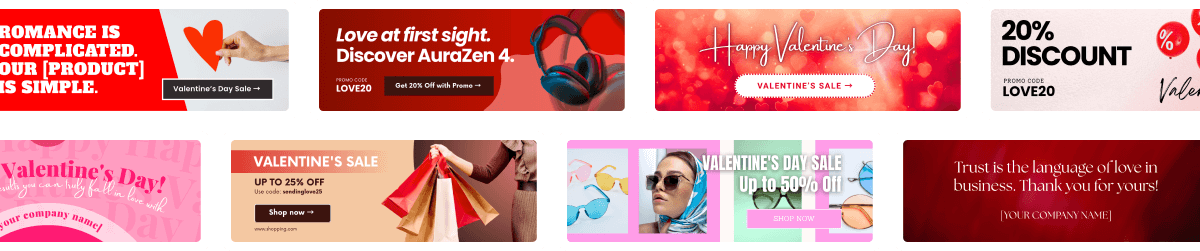

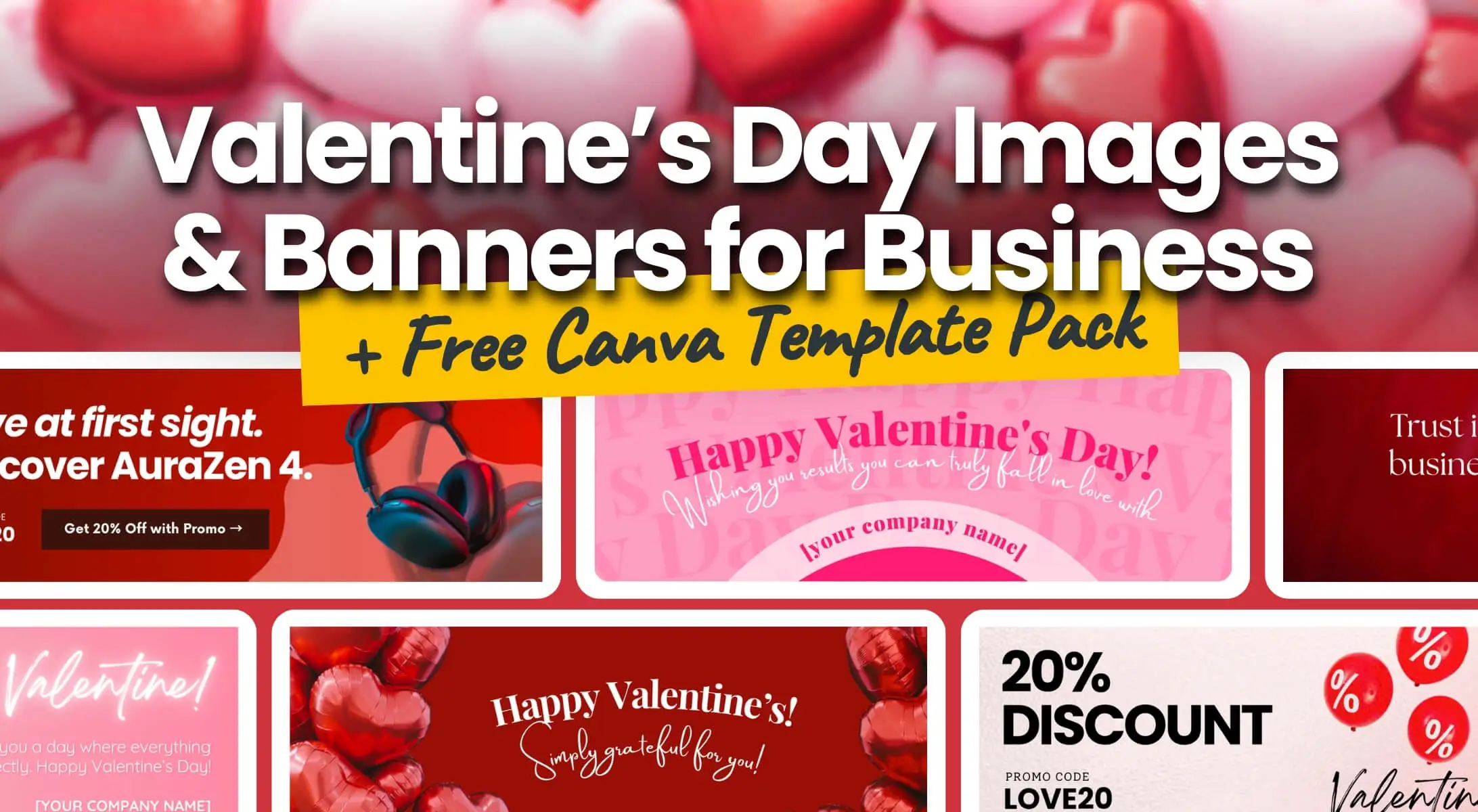
February 14 isn’t just about romance. In the professional world, it’s a strategic opportunity to show appreciation to clients, drive seasonal sales, or simply wish a Happy Valentine’s Day through Valentine’s Day Images. This Valentine’s guide is designed to inspire your seasonal email strategy. To help you get started, we’ve prepared a collection of free Valentine’s Canva banner templates for every occasion.
Step 1: Define the Purpose of Your Valentine’s Day Images and Banners
Before picking a design, decide what message you want to send. A Valentine’s Day banner can do more than just look pretty.
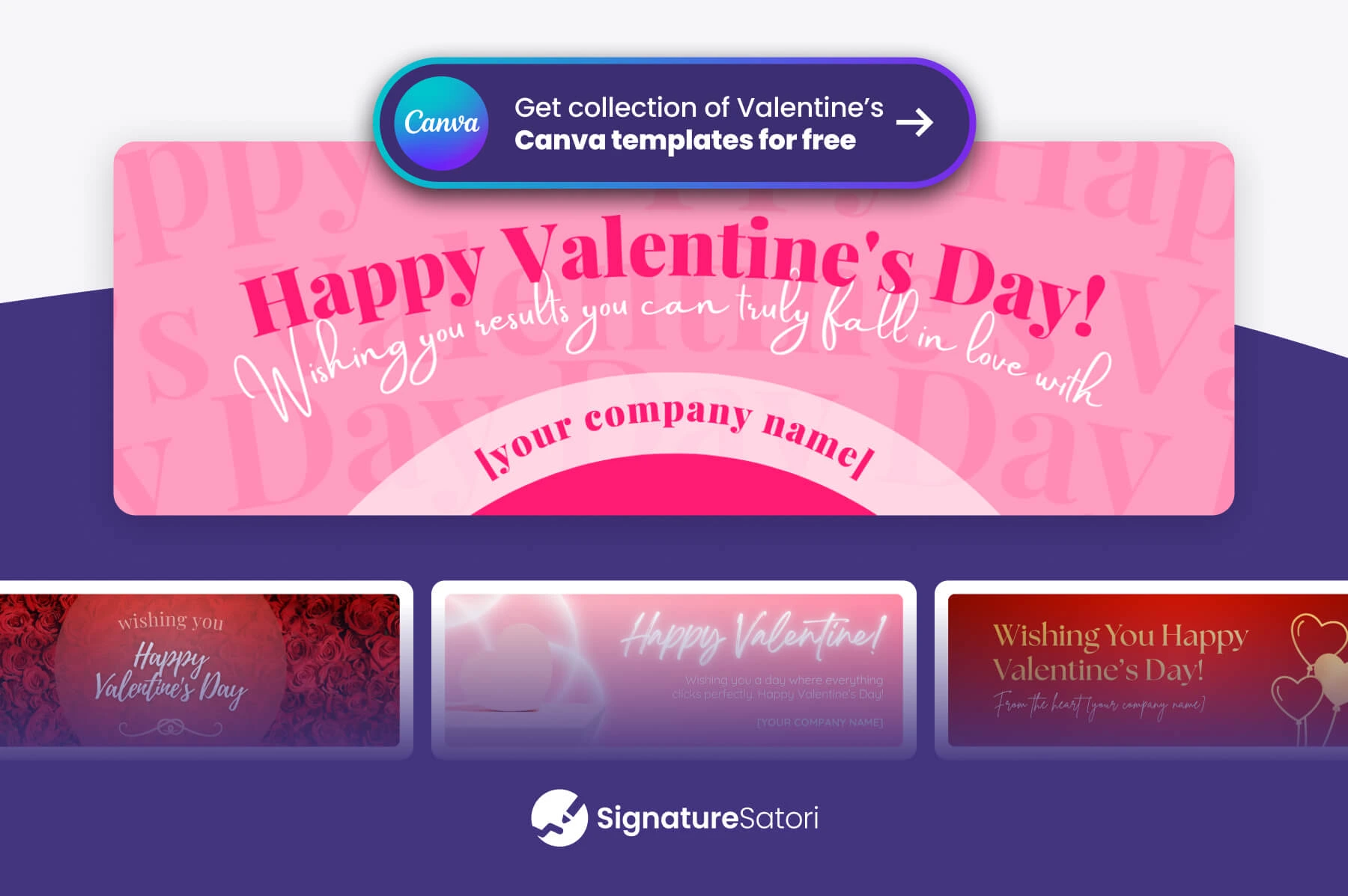
💌 Festive Happy Valentine’s Day Image
Goal: Spreading positivity and humanizing your professional communication.
Visual: A tasteful “Happy Valentine’s Day” image. It shows your brand is active and human, without pushing a specific business agenda. Sometimes, a simple Valentine’s wishes card is enough to brighten someone’s inbox.
🤝 Valentine’s Day Client Appreciation & Gratitude
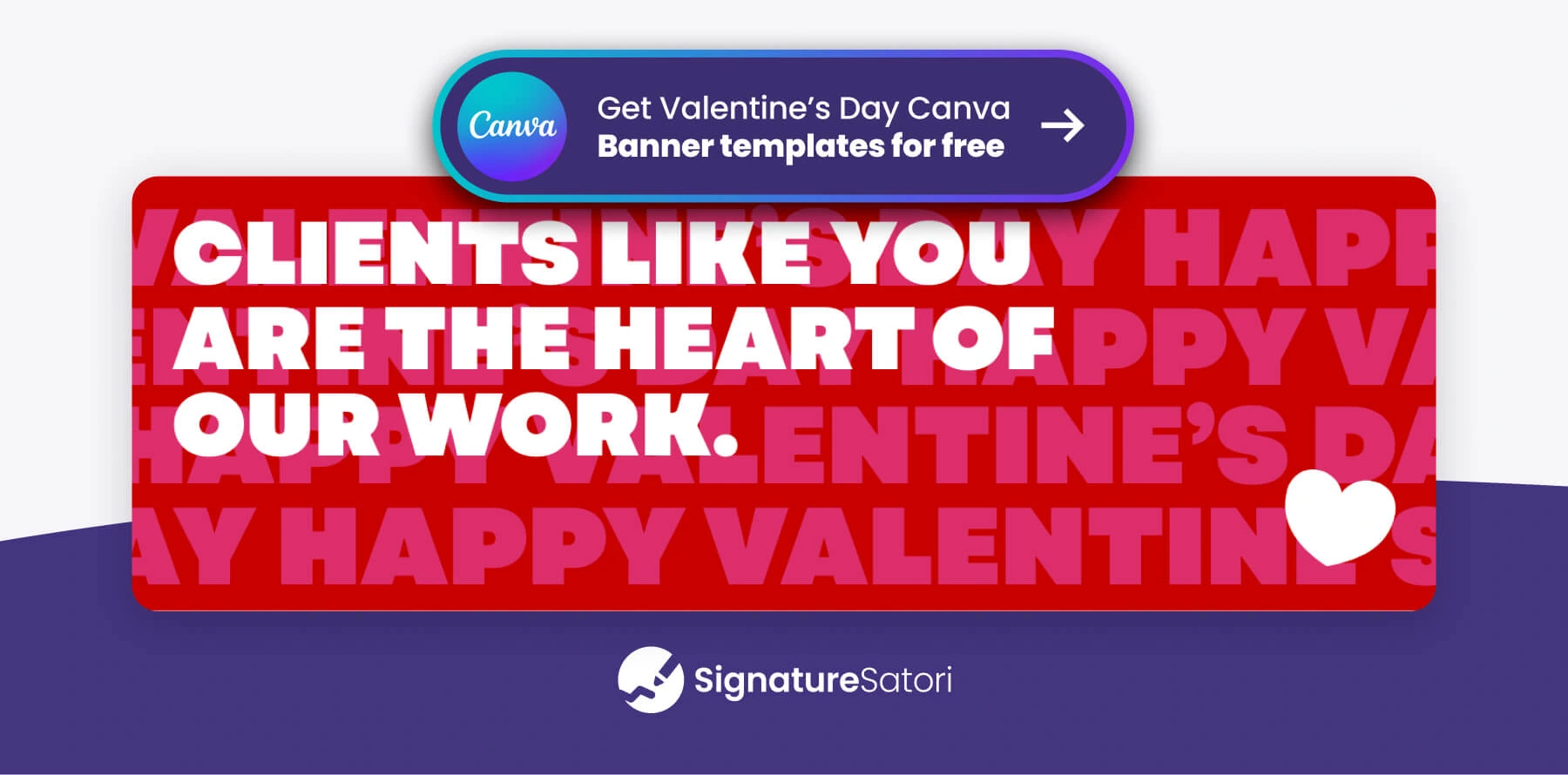
Goal: Strengthening customer loyalty and showing genuine gratitude.
Visual: A banner with a message like ‘We love our customers’ works perfectly for B2C e-commerce, while ‘Thank you for your trust’ fits a professional B2B context. The key is to make every client feel valued.
💼 Partner Appreciation & Gratitude
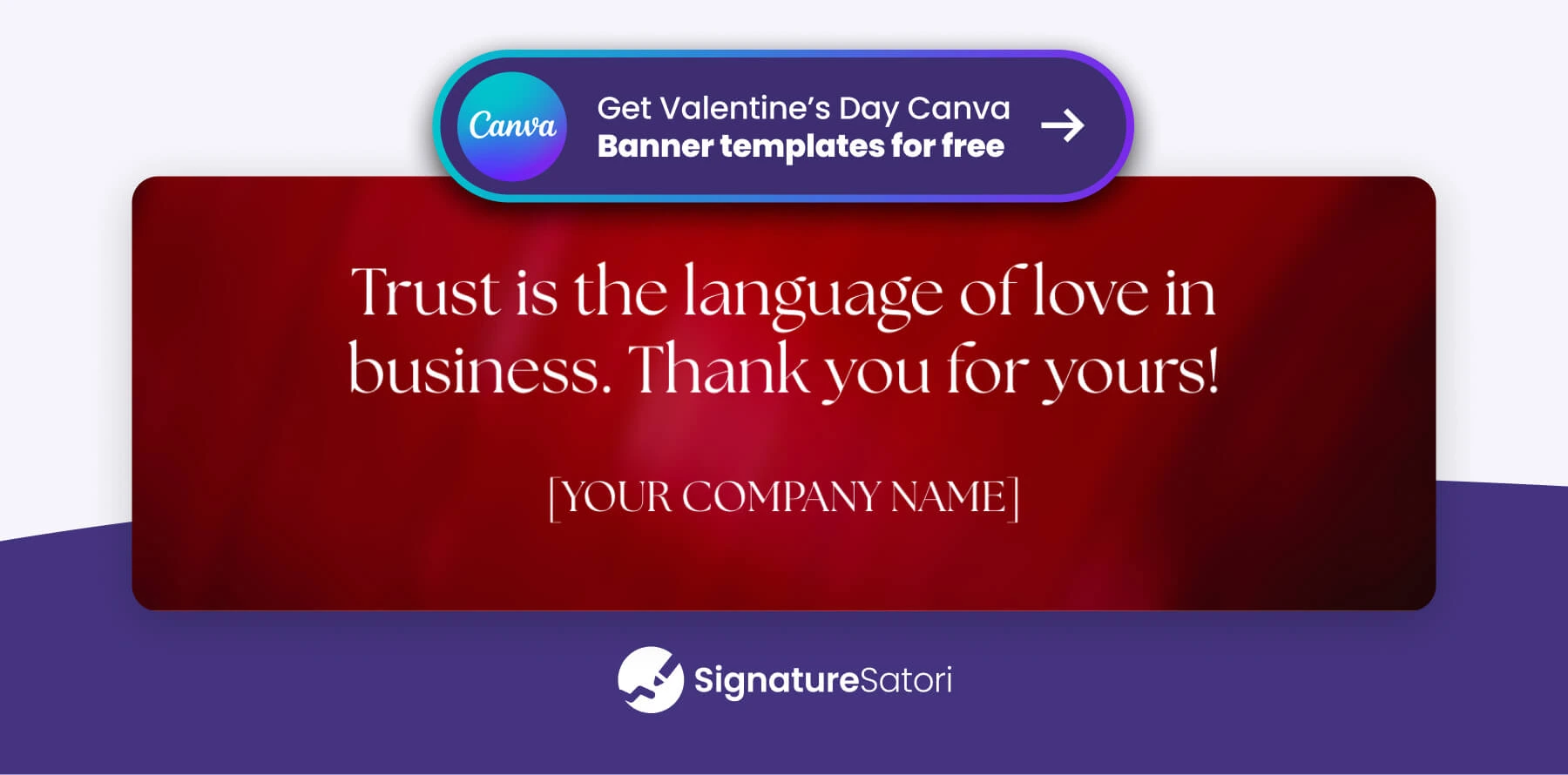
Goal: Strengthening loyalty and relationships
Visual: Use an appreciation banner focused on trust and reliability. Whether it’s vendors, suppliers, or affiliates, these relationships rely on mutual confidence. A message like ‘Thank you for your trust’ or ‘At the heart of our success’ balances professional respect with seasonal warmth.
For more inspiration, see our post: 40+ Professional Valentine’s Day Wishes and Quotes for Business & Work Emails
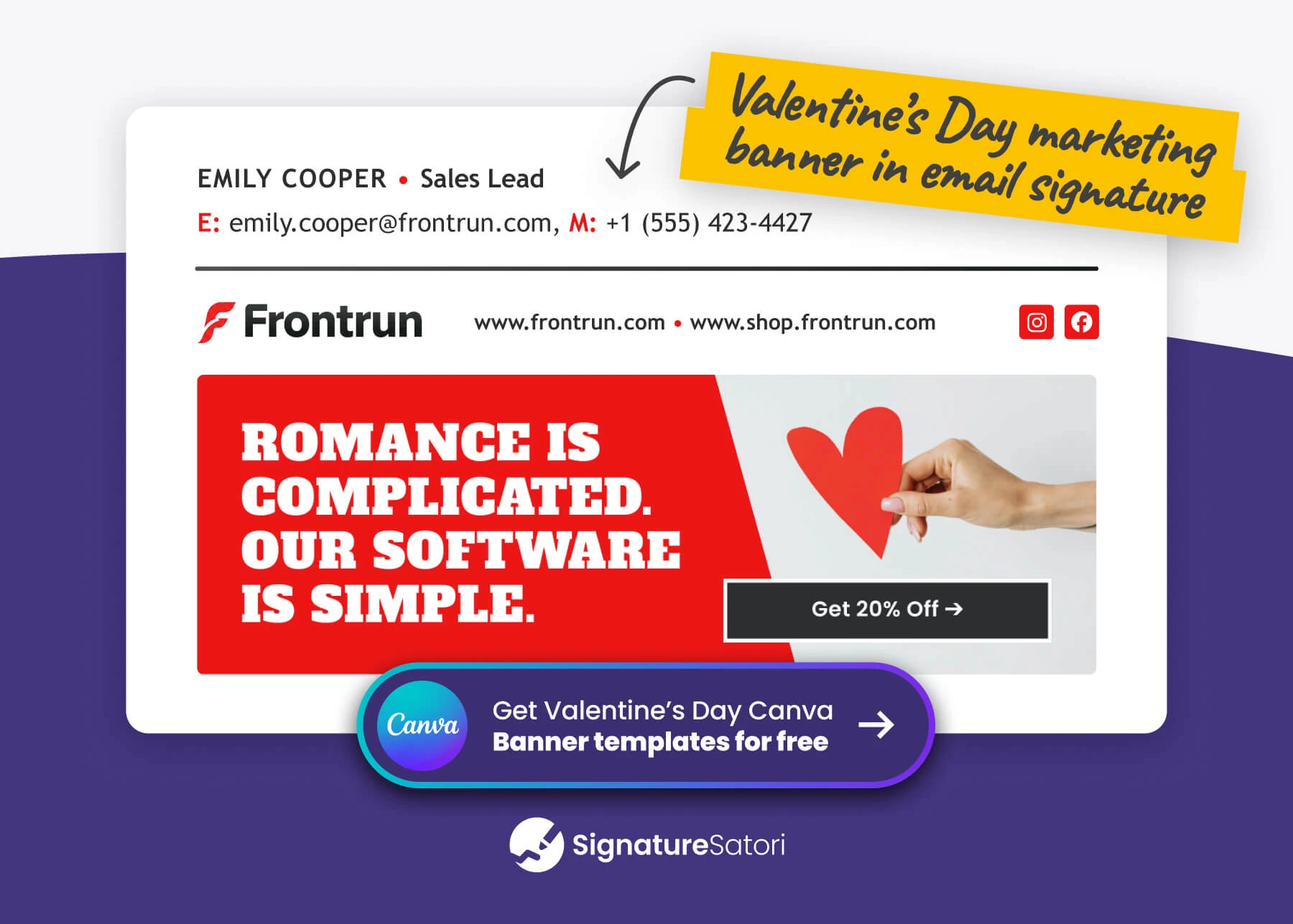
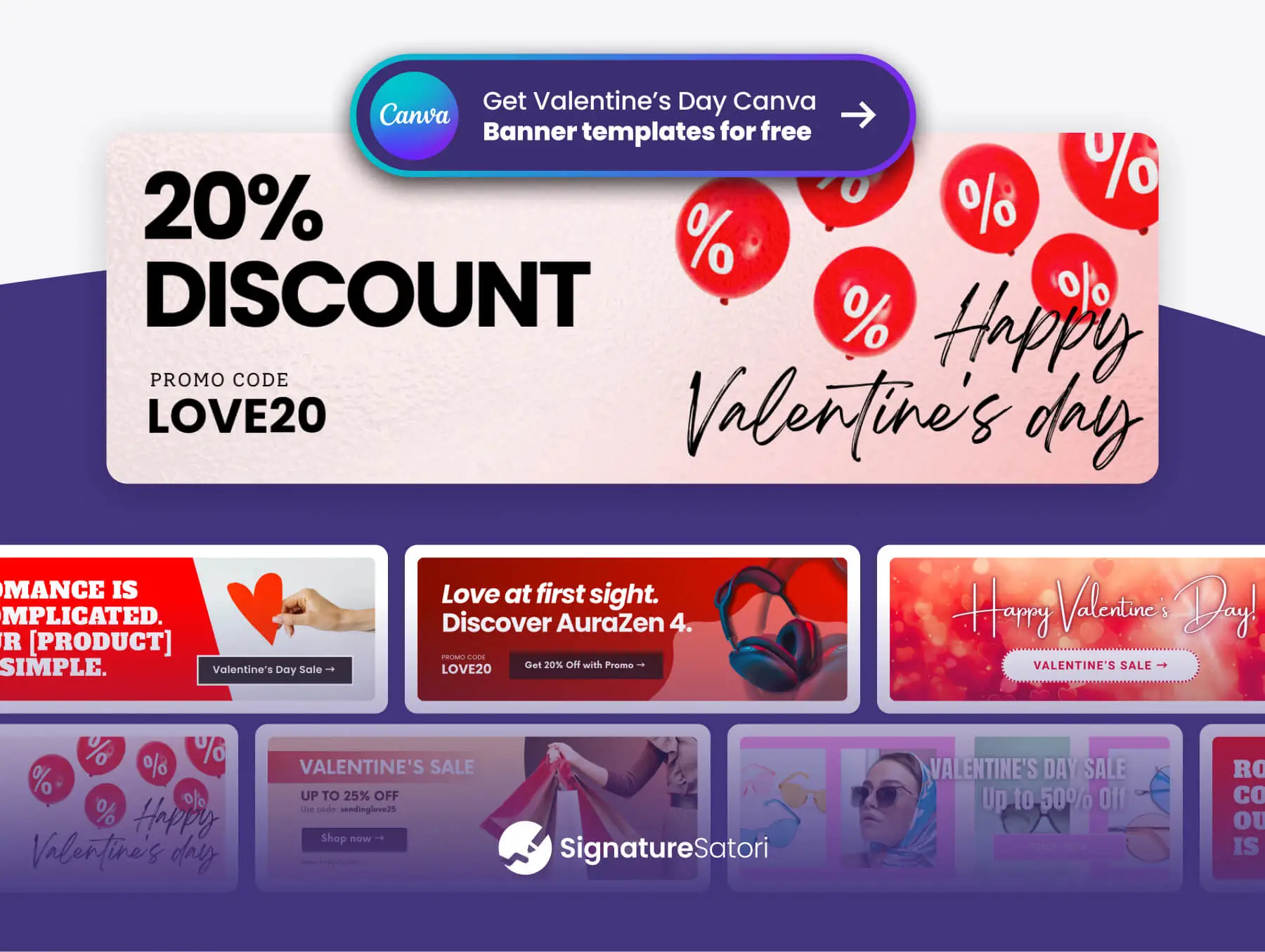
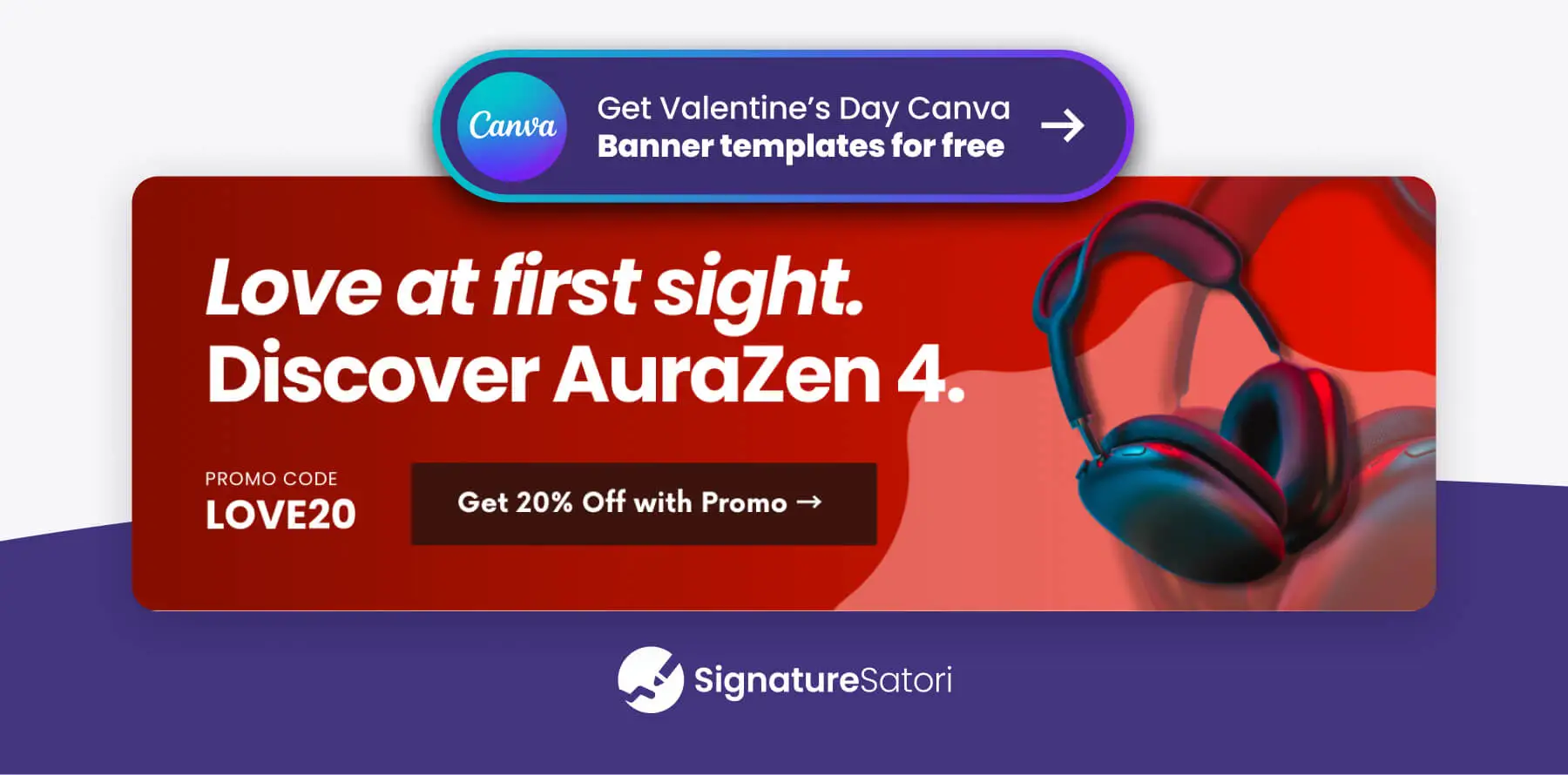
🏷️ Driving Seasonal Revenue (Valentine Sales Banner)
Goal: Directing traffic to a special offer.
Visual: A Valentine’s Day sale banner that acts as a clear Call-to-Action (CTA). It should feature a compelling headline and a distinct CTA button to encourage clicks. This is the perfect opportunity to play with words and connect your product to the season—try something like “The most romantic love story? You and our premium support” or “No mixed signals. Just great service.”
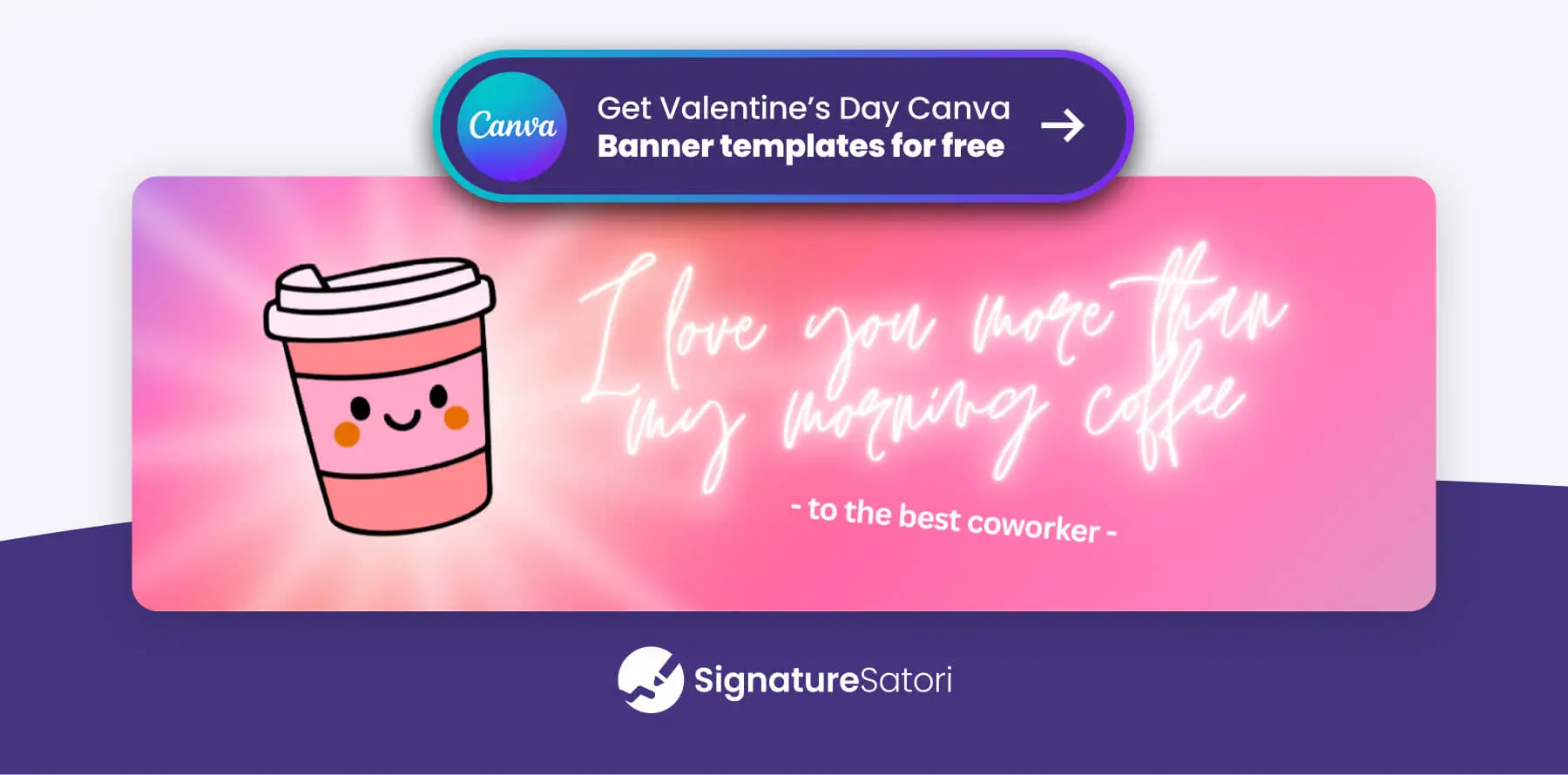
👥 Building Internal Culture (Valentine cards for coworkers)
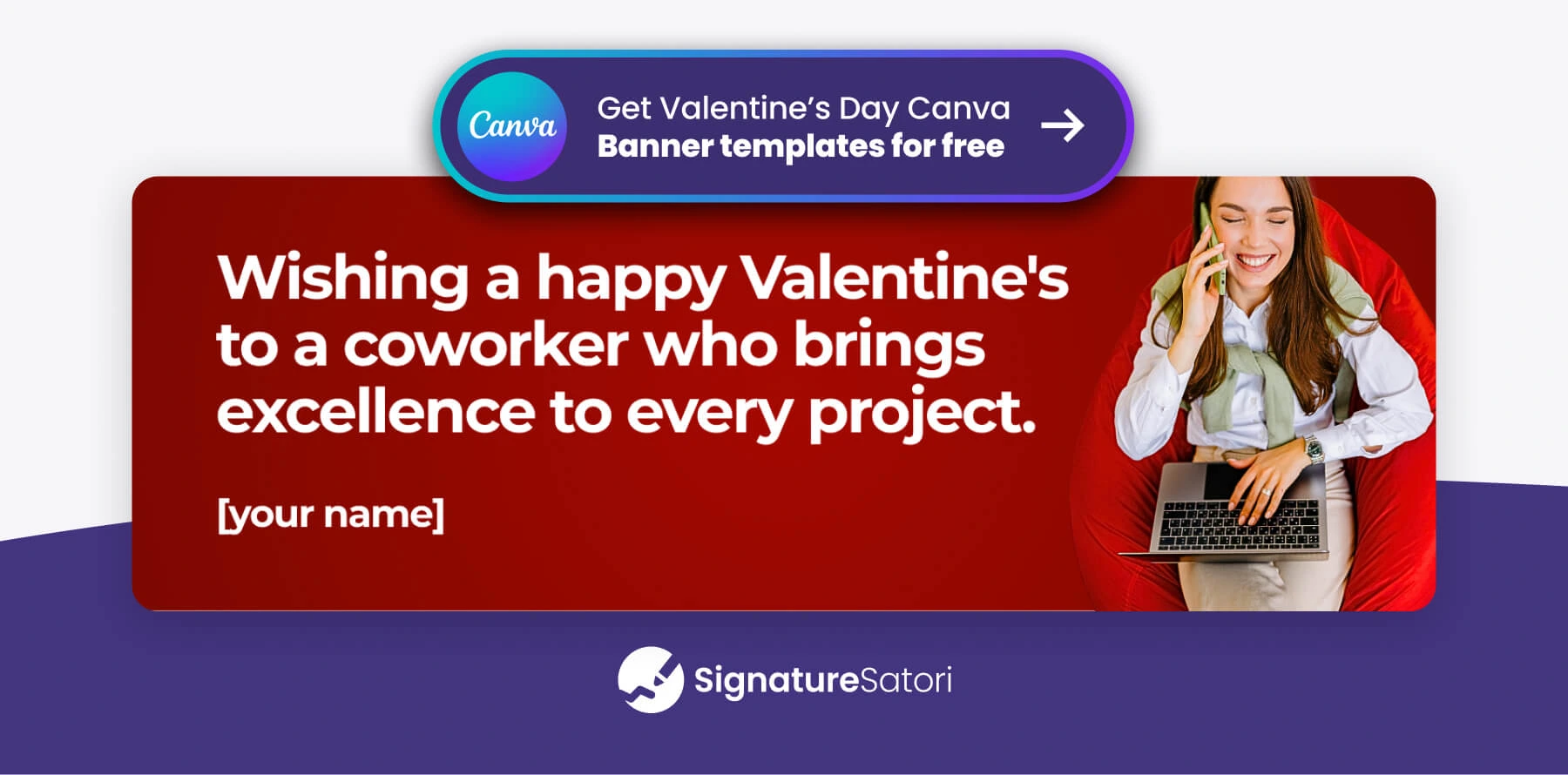
Goal: Celebrating your team and lightening the mood.
Visual: If you are communicating internally, funny and happy Valentine’s cards meant for coworkers can brighten the workday. Don’t hesitate to use tasteful memes to share a laugh. It’s about humanizing the workspace.
💡Pro Tip: Assign Banners by Department with Centralized Banner Management
You don’t need to send the same banner to everyone. With centralized email banner management, you can easily match the design to the team’s role. For example, give your Sales team a promo banner to drive revenue, while Support team builds loyalty with a gratitude banner.
📅 Digital Valentine’s Day Invitation Cards
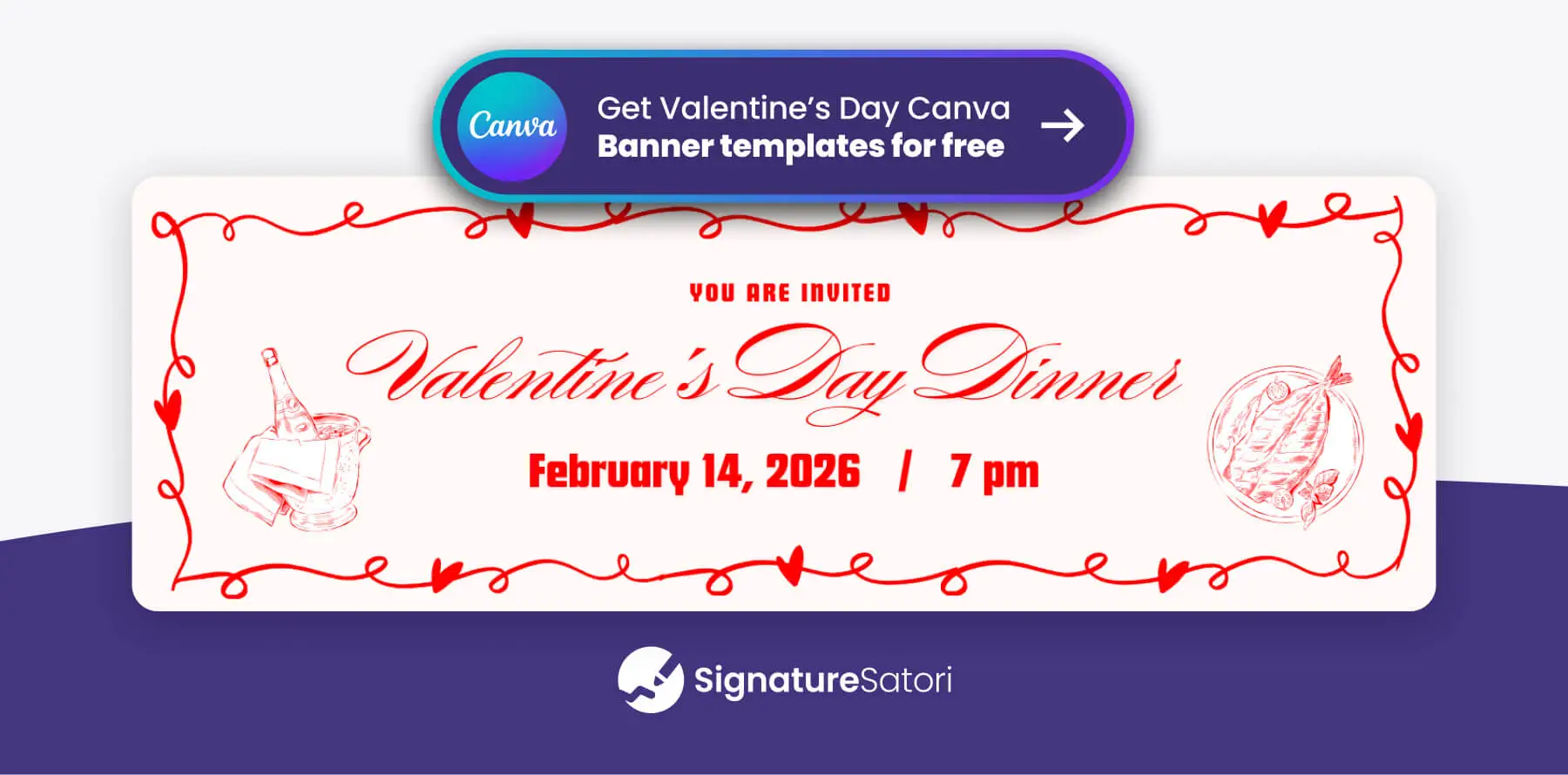
Goal: Promoting a Valentine’s themed event and boosting attendance.
Visual: Hosting a Valentine’s themed workshop or organizing a February 14th open house? A dedicated invitation banner placed in your email footer turns every daily email into a non-intrusive personal invite. Ensure the banner clearly displays the event details and a ‘Register’ button.
Step 2: Choose a Visual Style That Suits Your Brand
Once you know what you want to say, decide how it should look. Your Valentine’s banner should feel like a natural extension of your brand. The key is to embrace the season without letting it override your visual identity and tone of voice.

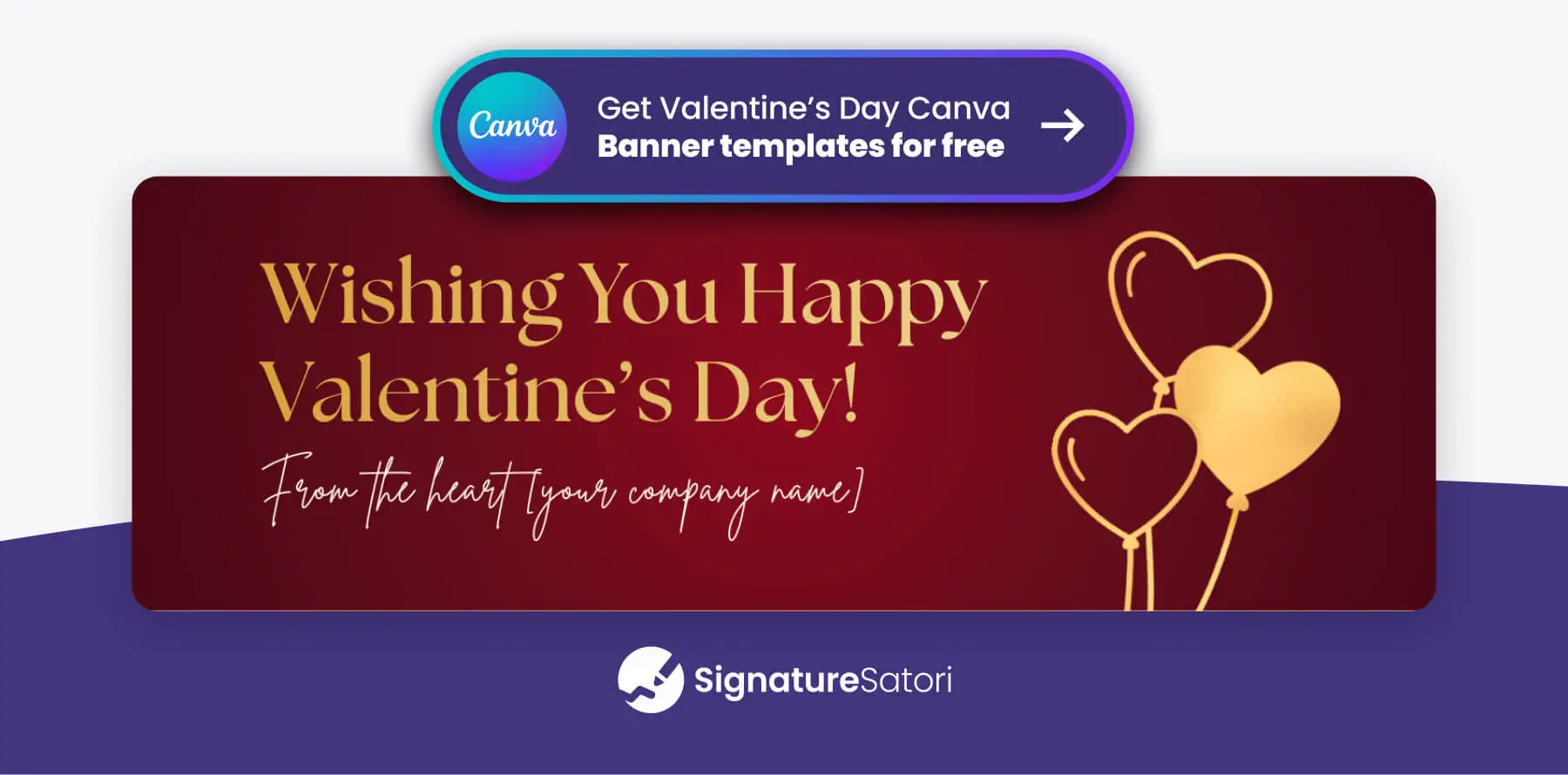
👔 Corporate & Elegant Style
For whom: Legal, finance, and enterprise.
Visual: Deep burgundy, gold accents, and plenty of white space. An elegant Valentine banner proves you can be festive and dignified at the same time.
✨ Modern & Minimalist Style
For whom: SaaS, architecture, and design agencies.
Visual: Focus on clean typography where your message or CTA takes center stage. This style can be purely typographic or feature a subtle photo background with overlaid text. A monochromatic scheme is often easier to work with—try combining shades of red, pink, white, and black. To stay on-brand, simply adjust the color temperature to match your palette or add subtle branded accents, ensuring the design remains clutter-free.
😂 Playful & Human Style (Memes)
For whom: Creative agencies, startups, and internal teams.
Visual: If your brand lives on creativity or you are emailing your team, skip the clichés. Use a digital card with a sharp pun, or lean into current culture with a well-placed meme that shows your human side.
🌍 Inclusive & Professional Style
For whom: Global enterprises and diverse client bases.
Visual: Avoid explicit romantic symbols like Cupids. Instead, opt for abstract geometric patterns and clean professional graphics. Use broader messaging like ‘Season of Appreciation’ to ensure it resonates with a diverse audience.
Step 3: Technical Specs for Valentine Email Images
-
Static Images (JPG/PNG) 🖼️
The safest choice for every email client (Outlook, Gmail, Apple Mail). Use PNG if you need a transparent background for a banner clipart. -
Animated GIFs 🎬
To grab attention, you can use an animated style. A subtle GIF, such as a gently pulsing heart, captures the eye without overwhelming the reader. Just keep the file size under 600kB to ensure it loads quickly. -
Image Size Matters
Your Valentine’s banner should complement your email signature, not overshadow it. Aim for a width of 300-600px to ensure it looks great on desktop and stays clearly visible on mobile devices.
Why Your Email Signature is the Perfect Place for Valentine’s Day Images
Instead of sending heavy attachments or mass greeting emails, the most elegant option is adding a seasonal banner directly to your email signature.
A well-crafted banner design or small visual next to your logo lets you acknowledge the season without interrupting your normal communication.
Why use the email footer for your holiday images?
- Authenticity: It adds a human touch to every message you send.
- Consistency: A central management tool like SignatureSatori ensures every team member’s message carries the same professional look.
- Deliverability: A small banner is much safer for spam filters than sending bulk Valentine email cards as attachments.
- Efficiency: Set it once, and let your automated signature do the relationship-building for you.
How to Deploy Your Valentine Campaign Centrally
Don’t leave it to your employees to manually update their signatures – that’s how you end up with ‘Happy Valentine’s’ banners still running in April.
Using a company-wide email signature app like SignatureSatori, you can:
- Schedule: Set your banner campaign to start on February 1st and automatically vanish at midnight on the 14th thanks to the marketing planner feature.
- Target: Give your Sales team a ‘Sale’ banner and your Support team a ‘Customer Appreciation’ banner.
- Deploy: Update the entire company with one click, ensuring a professional Valentine’s Day card experience for every recipient.
Conclusion
A signature is a sign of trust. This February, use yours to leave a lasting mark of appreciation in your emails. Download our free Valentine ecards and templates, and show everyone in your network that you truly value the connection.
Frequently Asked Questions
Where can I find free Valentine ecards for business?
We offer a curated set of professional templates you can easily customize in Canva. Get yours from the article above.
Is it okay to use funny Valentine’s Day cards for coworkers?
Absolutely! If your company culture is relaxed, a funny card can boost morale.
Can I use a generic Valentine’s Day card for all my clients?
While possible, we recommend personalizing the content for your specific target audience. Ensure the design and message align with your brand’s colors and tone of voice to maintain professional consistency.
Are free animated Valentine email cards safe to use?
Yes, but only use GIF format (no MP4s) and keep the file size small. Be aware that some older Outlook versions may only show the first frame, so make sure your main message is visible right at the start.
What should I include in a Valentines day invitation card?
Keep it simple: the event name, date, and a ‘Register’ button. To save time, you can use a Valentine’s Day invitation template from our Full Valentine’s banner template collection.
Is a ‘Happy Valentine’s Day ecard’ too informal for B2B?
Not if it’s done with a professional design. Focus on partnership rather than romance.